1
Customizing Demand Circuits
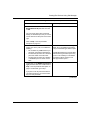
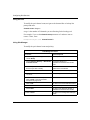
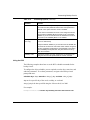
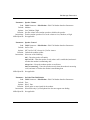
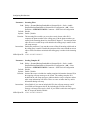
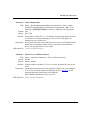
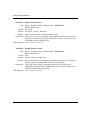
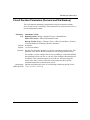
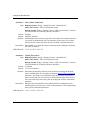
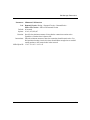
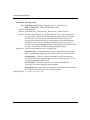
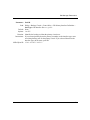
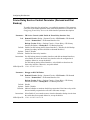
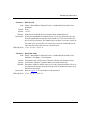
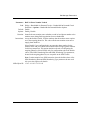
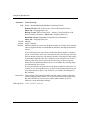
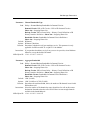
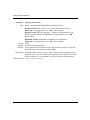
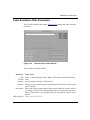
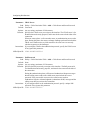
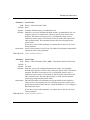
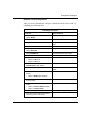
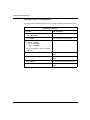
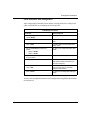
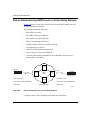
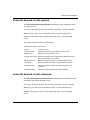
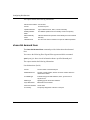
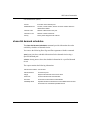
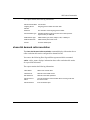
Example 2: Failback Time Results in No Available Circuit
3:00 p.m.
The primary circuit fails and a standby circuit is activated, as
specified in time of day Schedule 2.
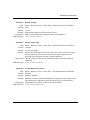
4:55 p.m.
The primary circuit recovers. The failback timer starts counting down
from 10 minutes.
5:00 p.m.
After 5 minutes, time of day schedule 3 is active. The standby circuit
is brought down and will not be available until 7:00 p.m.
For 5 minutes, there is no circuit available to transmit data.
5:05 p.m.
Data traffic transfers back to the primary circuit.
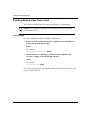
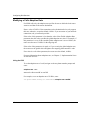
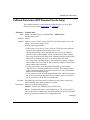
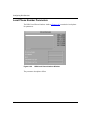
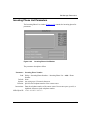
Using the BCC
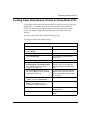
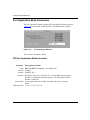
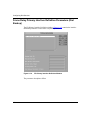
If the standby-failback-mode is set to none, you can control when the router
returns to the primary circuit by using a schedule for the standby circuit.
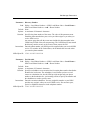
To control the return from the hot standby circuit to the primary circuit, navigate
to the schedule prompt and enter:
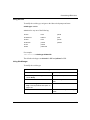
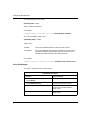
schedule-standby-failback-mode <mode>
mode can be either automatic or manual.
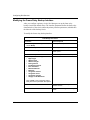
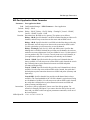
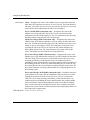
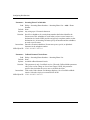
Select automatic to automatically deactivate the hot standby circuit and return to
the primary circuit. The schedule-standby-failback-time parameter for this
circuit determines the failback delay. Select manual to manually deactivate the hot
standby circuit.
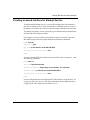
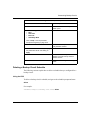
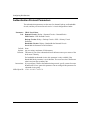
For example, to rely on operator intervention to determine whether the active
circuit becomes the primary again, enter:
schedule/to-boston/weekday/1000/2100# schedule-standby-failback-mode
manual
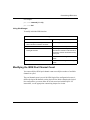
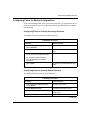
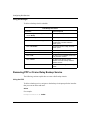
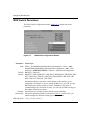
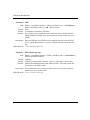
If the standby-failback-mode parameter is set to none, you can control how long
the router waits before it deactivates the hot standby circuit and returns to a
recovered primary circuit.
308621-14.00 Rev 00
12-43