1
NEXT
CF2001P
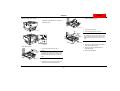
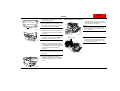
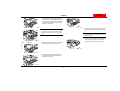
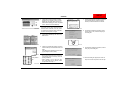
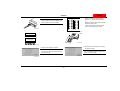
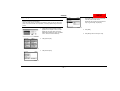
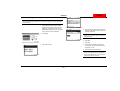
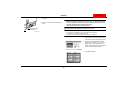
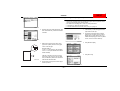
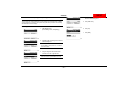
4. Click [PRT Area].
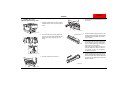
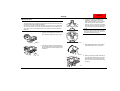
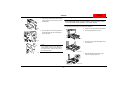
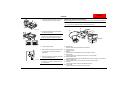
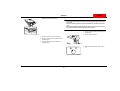
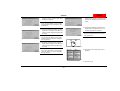
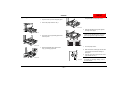
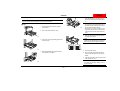
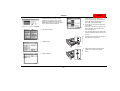
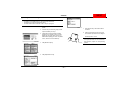
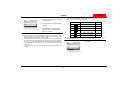
7. Measure margin a from the edge of the
paper to the pattern printed in the test page,
and then check that the width of the measured margin meets its standard width.
a
Standard width of the margin (a):
3.0 mm ± 1.0 mm (with Fiery X3e installed)
5.0 mm ± 1.0 mm (with MicroPress PrintLink
2020m installed)
C4004P588CA
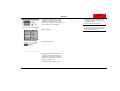
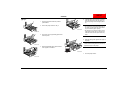
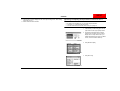
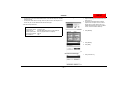
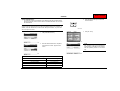
If the width of the measured margin does not
meet its standard width, follow the procedure
in the next section, “Adjusting the Paper Reference Position for PF-118”, to adjust it.
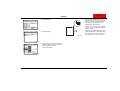
5. Click [Left Margin].
C4658U028AA
C4658P003CA
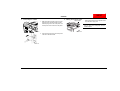
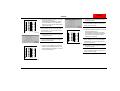
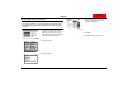
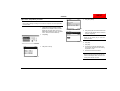
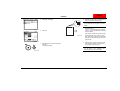
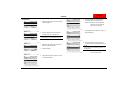
6. Select the key for the paper drawer that is to
be adjusted, and then click the Start key in
the External Panel Controller.
A test page is printed.
C4658P005CA
4004-7715-01
– 30 –