1
DV6T711P-AP(DESUK)1
02.7.24 11:16 AM
˘
` 23
mac001
300DPI 120LPI
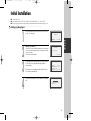
Initial Installation
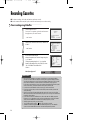
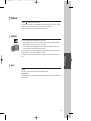
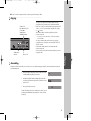
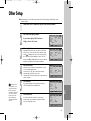
■ Switch the TV on.
■ You can also start "AUTO SET" in the SETUP "PR PRESET"
"AUTO SET".
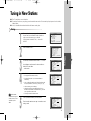
■ To tune in new stations (manual tuning) and to enter station names see page 33-35.
Setting up the player
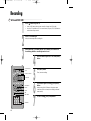
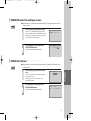
AUTO SET
OK:CONFIRM
OK for "AUTO SET!".
"AUTO SET" tunes in all the stations you can receive
in your country and sorts them in an order common
for your country.
Clock is automatically set.
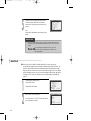
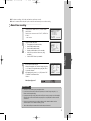
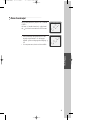
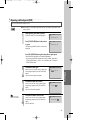
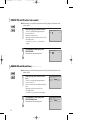
If other stations are positioned on or near the current
RF OUTPUT CH, the guide message appears
automatically.
The player recommends the optimal RF OUTPUT
CH number automatically.
Press the [OK] button to confirm the recommended
PR.
SETUP:END
Basic Operation
1
2
3
4
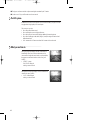
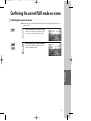
You should see this picture the first time you switch
on the TV and player.
CH 25
PLEASE WAIT...
SETUP:END
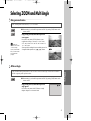
RF OUTPUT SET
CURRENT
RECOMMENDED
CH 52
CH 54
0-9:SELECT(21-69)
OK:CONFIRM
SETUP:END
IMPORTANT!
PLEASE CHANGE THE TV
CH TO 54.
23