1
D7898bk2.book Page 95 Friday, April 29, 2005 9:39 AM
NOTICE: Use firm and even pressure to slide the drive into place. If you use excessive force, you may
damage the connector.
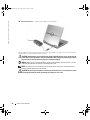
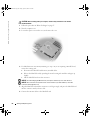
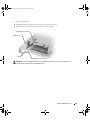
5 Insert the drive into the bay, and lift the hard drive door. Push the hard drive until it is fully
seated in the bay. Press the hard drive door down.
6 Replace and tighten the screw(s).
7 Install the operating system for your computer.
8 Install the drivers and utilities for your computer.
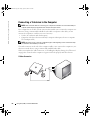
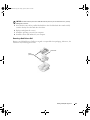
Returning a Hard Drive to Dell
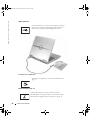
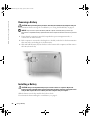
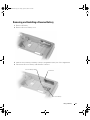
Return your old hard drive to Dell in its original or comparable foam packaging. Otherwise, the
hard drive may be damaged in transit.
hard drive
foam
packaging
Adding and Replacing Parts
95