1
book.book Page 186 Wednesday, September 16, 2009 11:12 AM
Flash Cache Module
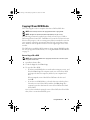
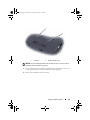
The Flash Cache Module (FCM), is an internal flash drive that helps improve
the performance of your computer.
NOTE: This card is only compatible with the Windows Vista™ operating system.
NOTE: If you ordered a FCM with your computer, the card is already
installed.
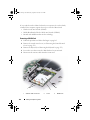
NOTE: WWAN card and FCM share the same slot. You can install only one card at
a time.
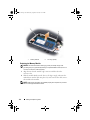
Removing the FCM
1 Follow the procedures in "Before You Begin" on page 163.
2 Remove the central control cover (see "Central Control Cover" on
page 170).
3 Remove the keyboard (see "Keyboard" on page 172).
4 Ground yourself by touching one of the metal connectors on the back of
the computer.
NOTE: If you leave the area, ground yourself again when you return to the
computer.
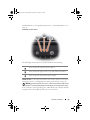
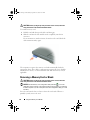
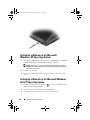
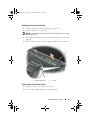
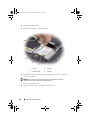
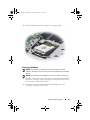
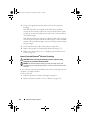
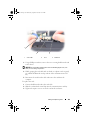
5 Remove the screw securing the FCM to the system board.
6 Lift the card out of its connector.
186
Adding and Replacing Parts