1
Resetting Control Panel Defaults
If you have a problem with settings on the product control panel, you can reset them to their factory
defaults. You can choose which settings to reset or reset them all.
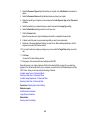
1. Press the
home button, if necessary.
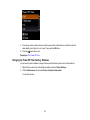
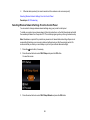
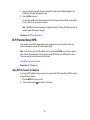
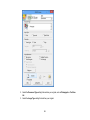
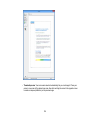
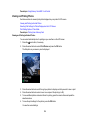
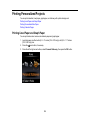
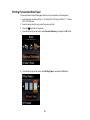
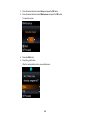
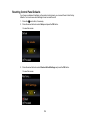
2. Press the arrow buttons to select Setup and press the OK button.
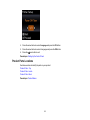
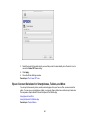
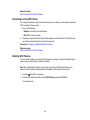
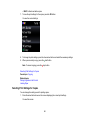
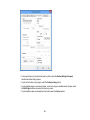
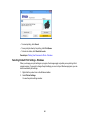
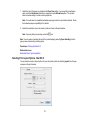
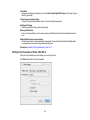
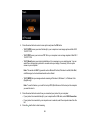
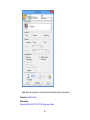
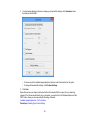
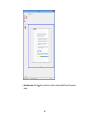
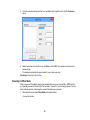
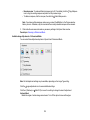
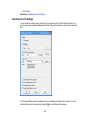
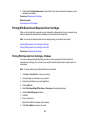
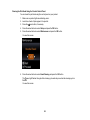
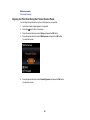
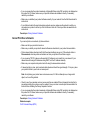
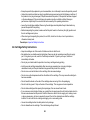
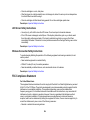
You see this screen:
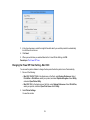
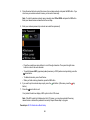
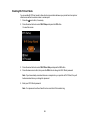
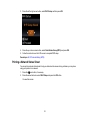
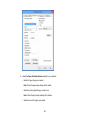
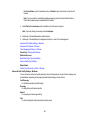
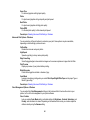
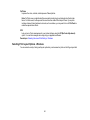
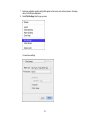
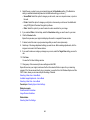
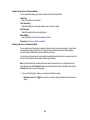
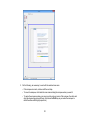
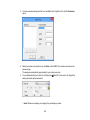
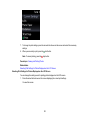
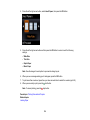
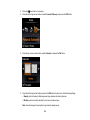
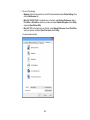
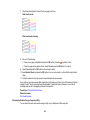
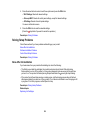
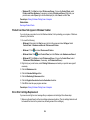
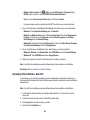
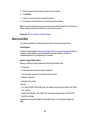
3. Press the arrow buttons to select Restore Default Settings and press the OK button.
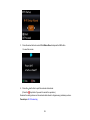
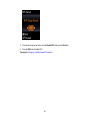
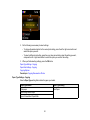
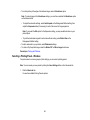
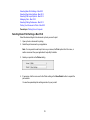
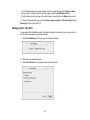
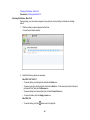
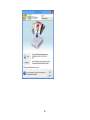
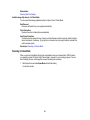
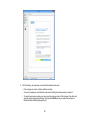
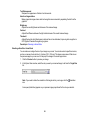
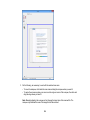
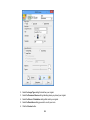
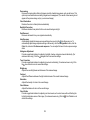
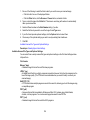
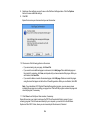
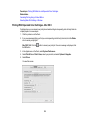
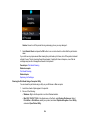
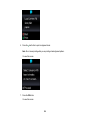
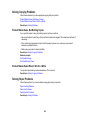
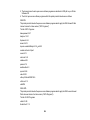
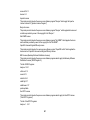
You see this screen:
179