1
P4000Basics.book Page 22 Thursday, August 18, 2005 8:26 AM
3 Select what you want to do by pressing up or down
on the 4-way ring. Then press the OK button.
◗
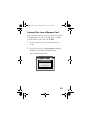
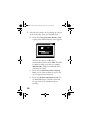
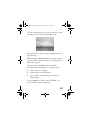
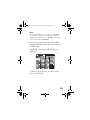
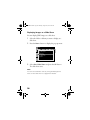
If you select Copy Data from Memory Card,
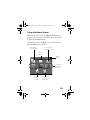
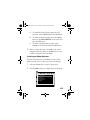
copying starts and the following screen appears:
Home
Saved Data
Albums
Memory Card
Copying data...
Cancel
Latest Data
Settings
The files are copied to a folder that is
automatically created on the P-4000. The folder
is named according to the date, for example,
20051225.001. Folders are numbered in the
order they are copied.
22
◗
If you select Create Album After Copying
Data, you can select an album or create a new
one. See page 39 for instructions.
◗
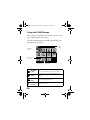
If you select Browse the Memory Card, you
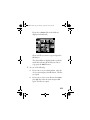
see thumbnail images of the files on the card.
See page 26 for more information about
browsing.