1
Virtualization/Control Software, cont’d
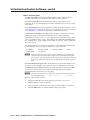
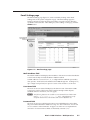
Logging on to the switcher via the Ethernet
1.
On the PC, click Start > Programs > Extron Electronics >
Matrix 12800/6400/3200 Control Program to start the program.
2.
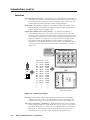
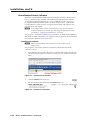
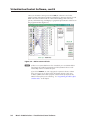
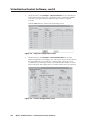
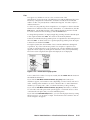
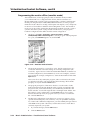
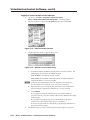
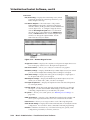
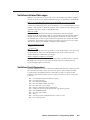
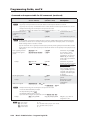
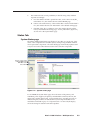
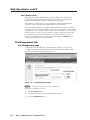
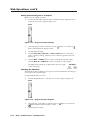
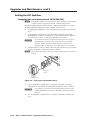
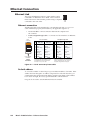
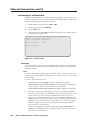
When prompted for a port, select IP [LAN] (figure 3-14) and click OK.
PRELIMINARY
Figure 3-14 — Ethernet mode selection
3.
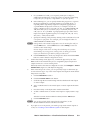
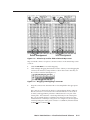
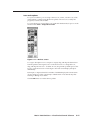
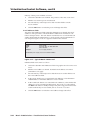
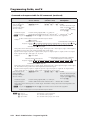
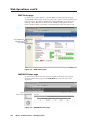
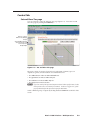
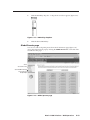
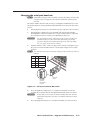
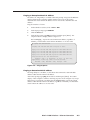
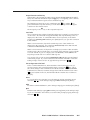
The IP connection window appears (figure 3-15).
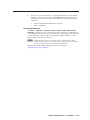
Figure 3-15 — Address and password entry
a.
Examine the Matrix IP Address field in the IP Connection window. The
field displays the last Matrix IP Address entered.
If the IP address is correct: Proceed to step 3b.
If the address is not correct: Click in the Matrix IP Address field and
enter the IP address. Proceed to step 3b.
N If the local system administrators have not changed the value, the factoryspecified default, 192.168.254.254, is the correct value for this field.
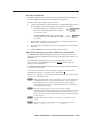
b. If the switcher is password protected, click in the Password field and
enter the enter the appropriate administrator or user password.
c.Click Connect.
4.
3-22
If you logged on using the administrator password, the Windows
program connects you to the switcher with all of the administrator rights
and privileges.
If you logged on using the user password, the Windows program
connects you to the switcher with only user capabilities.
If an incorrect password was entered, the program beeps and returns to
the password entry display.
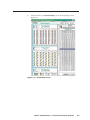
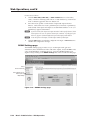
The Virtualization/Control Control Program window (figure 3-2) appears.
Matrix 12800 Switchers • Virtualization/Control Software