1
Simulator Setup
Simulator Setup: Introduction
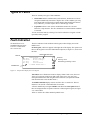
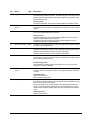
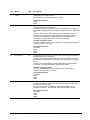
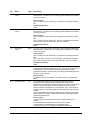
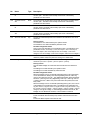
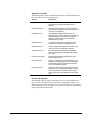
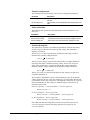
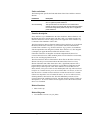
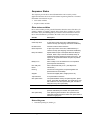
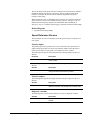
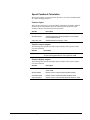
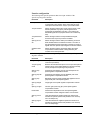
The Simulator Setup configures the drive to run in simulator mode.
Simulator Setup: Simulator Mode
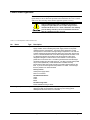
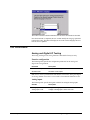
If you would like to run the drive in simulator mode, select Yes.
If you do not want to run the drive in simulator mode, select No.
Related functions
•
Simulator
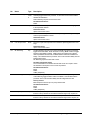
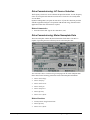
Simulator Setup: Hardware Fault String Override
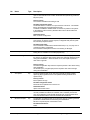
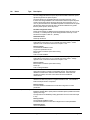
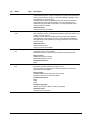
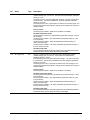
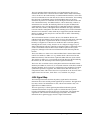
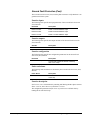
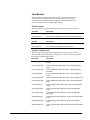
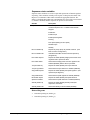
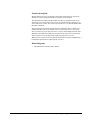
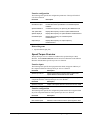
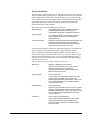
If you would like to disable the Local flt and System flt trip faults in simulator mode,
select Yes.
If you would like to continue to check for the Local flt and System flt trip faults in
simulator mode, select No.
Related functions
•
Hardware Fault Strings
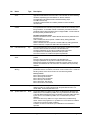
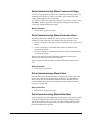
Simulator Setup: Simulator Mechanical
Configuration
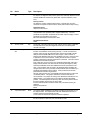
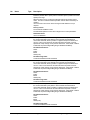
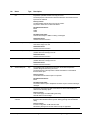
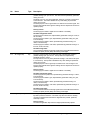
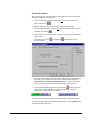
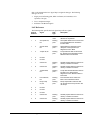
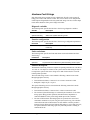
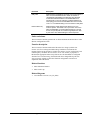
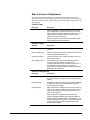
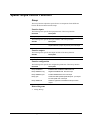
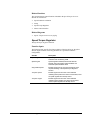
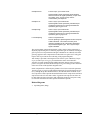
Enter the desired values for the parameters, Simulated inertia and Sim const friction.
These parameters are the minimum required to configure the drive's mechanical
simulator. Other simulator configuration parameters are described in the Simulator
function.
Related functions
•
Simulator
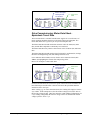
Simulator Setup: Conclusion
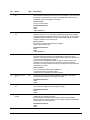
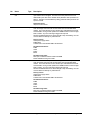
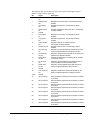
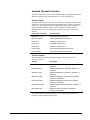
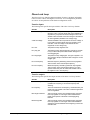
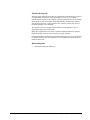
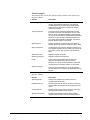
The Simulator Setup has reconfigured the drive with your selections.
4-38 • Chapter 4 Wizards
Innovation Series Medium Voltage GP Type - G Drives GEH-6385