1
Using Your Digital Data Storage (DDS) Tape Drive
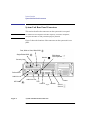
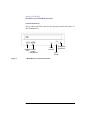
DDS Tape Drive and Data Cassette Descriptions
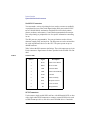
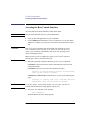
Cleaning the Tape Heads
Clean the heads of your tape drive after every 25 hours of tape drive use or if
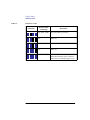
the Media Wear (Caution) signal is displayed on the LED.
NOTICE:
Only use HP Cleaning Cassettes (HP92283K) to clean the tape heads. Do
not use swabs or other means of cleaning the tape heads.
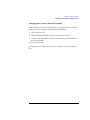
Follow this procedure to clean the tape heads:
1
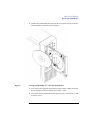
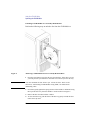
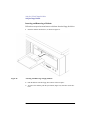
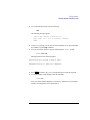
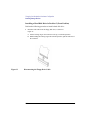
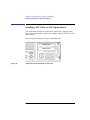
Insert the cleaning cassette into the drive. The tape automatically loads the cassette and cleans the heads. At the end of the cleaning cycle, the drive ejects the
cassette.
2
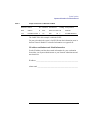
Write the current date on the label on the cleaning cassette so that you know how
many times you have used it. Discard the cleaning cassette after you have used it
25 times.
Media Restrictions
If you interchange media between other DDS-format tape drives, note that
data cassettes with compressed data can only be read by tape drives that
have data compression capabilities. This includes data cassettes that contain
both compressed and noncompressed data.
54