1
Managing and Configuring the HP OpenView OmniBack II NAS Agent
You can use the Command View NAS web interface for selecting snapshot
behavior during backup or for setting agent parameters that could be
necessary in special cases.
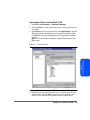
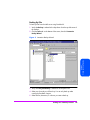
1 In the Command View NAS web interface, click the Applications tab.
2 Navigate down the tree and select OmniBack Backup.
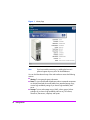
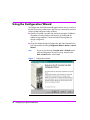
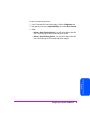
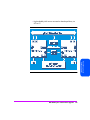
3 Select Actions > Manage/Configure Application. The following window
appears:
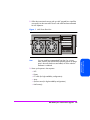
Figure 3
Managing OmniBack II
Enabling Virus and Backup
Software
Enabling Virus and Backup Software 147