1
Chapter 2 — Windows Mobile Version 5.0
Customizing Your CN30 Computer
You can customize your CN30 Computer by adjusting settings and installing additional software.
Adjusting Settings
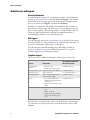
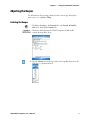
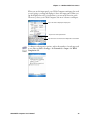
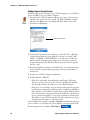
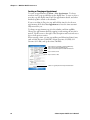
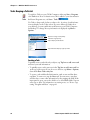
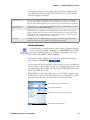
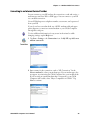
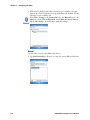
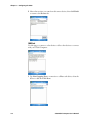
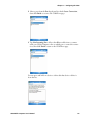
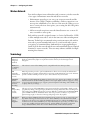
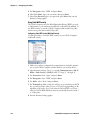
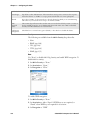
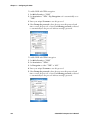
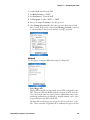
You can adjust settings to suit the way you work. To see available options,
tap Start > Settings > either the Personal tab or the System tab located at
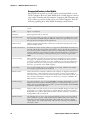
the bottom of the screen. You might want to adjust the following:
Personal tab
Systems tab
Menus
To customize what appears on the Start menu.
Owner Information
To enter your contact information.
Password
To limit access to your CN30 Computer.
Today
To customize the look and information displayed on the
Today screen.
Clock & Alarms
To change the time or to set alarms.
Power
To maximize battery life.
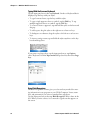
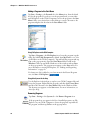
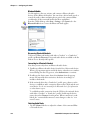
Adding or Removing Programs
Programs added to your CN30 Computer at the factory are stored in ROM
(Read Only Memory). You cannot remove this software, and you cannot
accidentally lose ROM contents. ROM programs can be updated using
special installation programs with a *.XIP extension. All other programs
and data files added to your CN30 Computer after factory installation are
stored in RAM (Random Access Memory).
You can install any program created for your CN30 Computer, as long as
your CN30 Computer has enough memory. The most popular place to
find software for your CN30 Computer is on the Windows Mobile Web
site (www.microsoft.com/windowsmobile/resources/communities/
default.mspx).
CN30 Mobile Computer User’s Manual
43