1
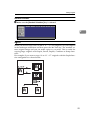
Document Server
Note
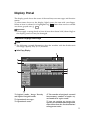
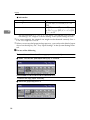
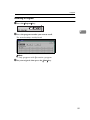
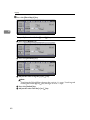
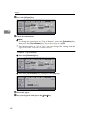
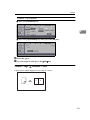
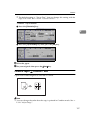
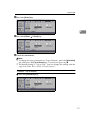
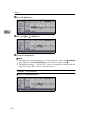
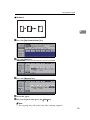
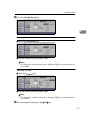
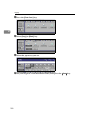
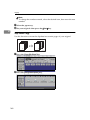
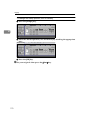
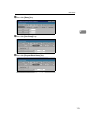
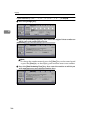
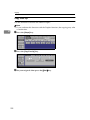
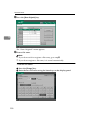
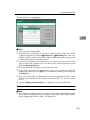
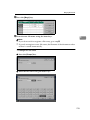
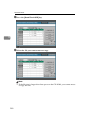
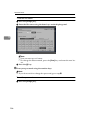
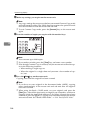
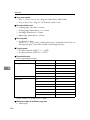
❒ To save the new settings, press the [Save Setting] key.
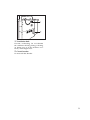
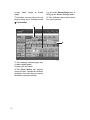
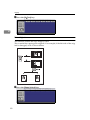
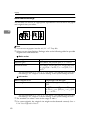
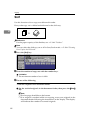
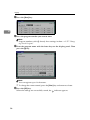
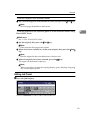
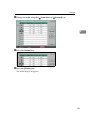
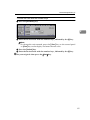
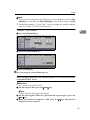
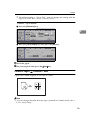
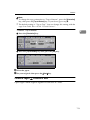
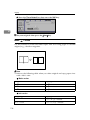
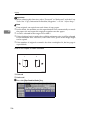
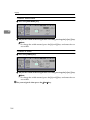
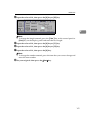
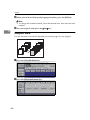
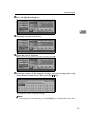
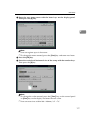
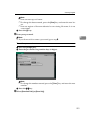
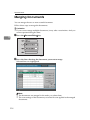
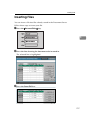
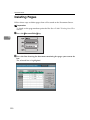
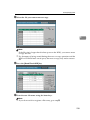
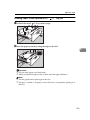
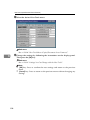
E Enter the required number of prints with the number keys.
Up to 9999 can be entered.
Note
❒ If you print more than one set using the Sort function, you can check the
print result by printing out only the first set ⇒ P.209 “Sample Printing”.
❒ To delete the entered value, press the {Clear} key.
3
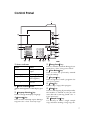
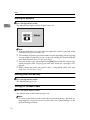
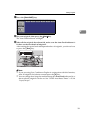
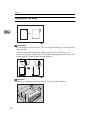
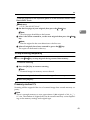
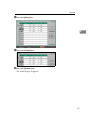
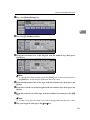
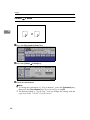
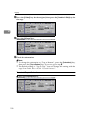
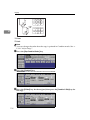
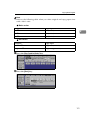
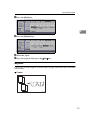
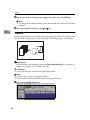
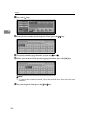
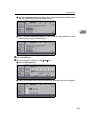
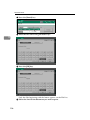
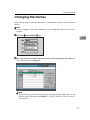
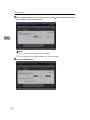
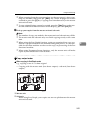
F Press the {Start} key.
The machine starts printing.
Note
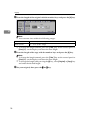
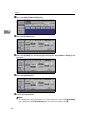
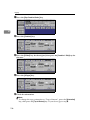
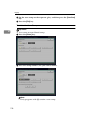
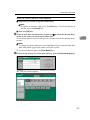
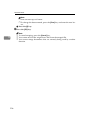
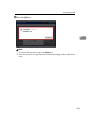
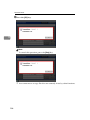
❒ To pause the print job, press the {Stop} key. In the confirmation dialog,
press the [Print] key to resume printing or press the [Cancel] key to cancel
printing.
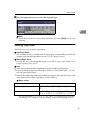
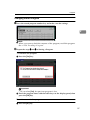
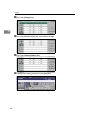
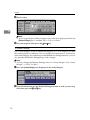
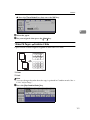
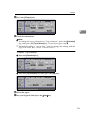
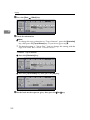
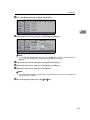
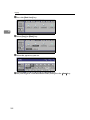
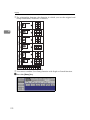
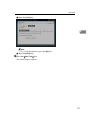
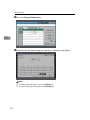
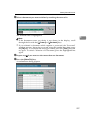
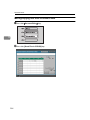
❒ After the print job is completed, the “File List” menu appears.
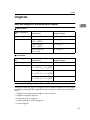
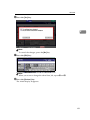
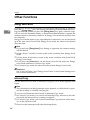
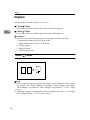
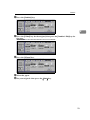
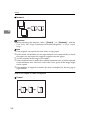
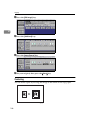
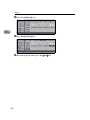
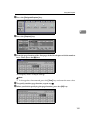
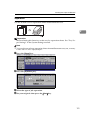
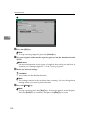
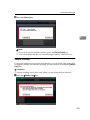
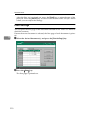
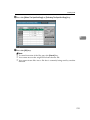
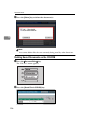
G To delete all the documents you have printed, press the [Delete] key.
208