1
8050D N/B Maintenance
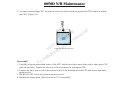
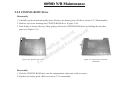
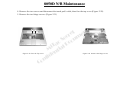
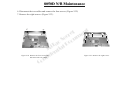
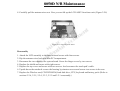
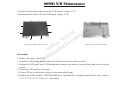
4. Remove four screws to separate the hard disk drive from the bracket, remove four screws.
(Figure 2-9)
t
t
n
e e
r
c m
e
u
S
c
c Do
a
iT ial
M t
n
e
id
f
n
o
C
Figure 2-9 Remove hard disk drive
Reassembly
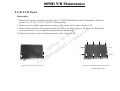
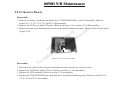
1. Attach the bracket to hard disk drive and secure with four screws.
2. Slide the HDD module into the compartment and secure with one screw.
3. Place the HDD compartment cover and secure with two screws.
4. Replace the battery pack. (Refer to section 2.2.1 reassembly)
52