1
Using and programming the remote
all DVRs were not created equal
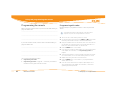
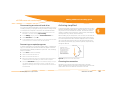
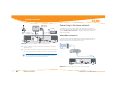
Programming by search
4.
If the TV or audio device is not listed, or the codes listed do not work,
try programming by search. Programming by search allows the remote
to cycle through codes to find one that works with the TV or audio
device.
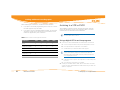
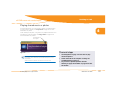
Once programmed with two device codes, the remote controls volume
and mute for the second device. Follow these steps to program the
remote to control audio device power and volume.
5.
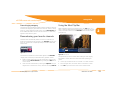
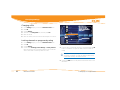
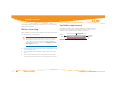
Press the Mute button.
•
If this mutes the device, go to step 5.
•
If this does not mute the device, press the up arrow to
advance to the next code, and then press Mute again.
Repeat until the device responds.
4
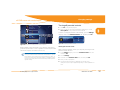
Press OK to set the current code and finish.
Some older devices may not be supported. If the device fails to
respond to any code, use its original remote to control it.
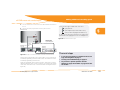
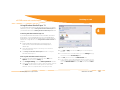
1.
Turn on the TV or audio device you want the remote to control.
2.
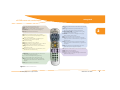
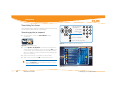
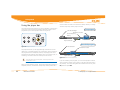
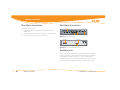
On the Moxi remote, press and hold the Moxi and OK buttons simultaneously until the LED at the top of the remote blinks twice.
3.
Using the number buttons on the remote, press 9 9 1 0 for the TV, or
9 9 1 1 for the audio device. The LED light blinks twice.
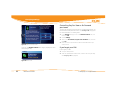
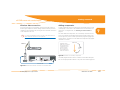
To reset the remote to the original factory setting, enter code
9 9 9 9, and then press OK.
© 2006 by Digeo, Inc. All rights reserved.
Media Center User Guide
45