1
Chapter 2 Preparations
1. Installing Internal Optional Devices
Connecting the battery control cable
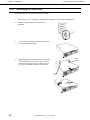
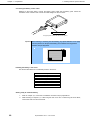
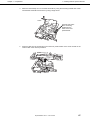
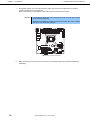
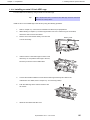
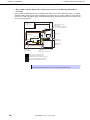
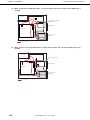
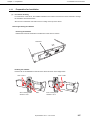
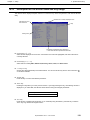
Referring to the image below, connect the battery control cable into the battery pack. Check the
orientation of the connector and connect the cable straight into the connector.
The upper portion is wider than that of lower portion.
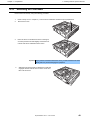
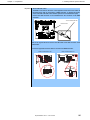
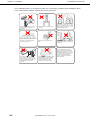
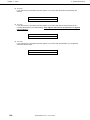
Important When installing or removing the extra battery, pay special attention not to apply
excessive pressure on the part of the battery cover marked in the image below.
Otherwise, the part may break.
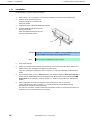
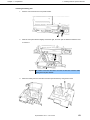
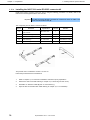
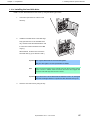
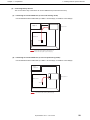
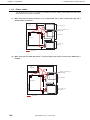
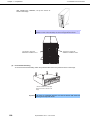
Installing the battery in the server
This section describes how to install this product in the server.
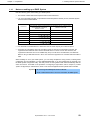
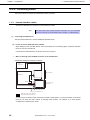
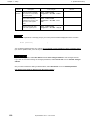
Start
Preparation for installation
Installing the battery
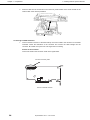
Connecting to RAID Controller
Finish
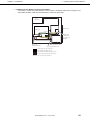
Getting ready to install the battery
62
1.
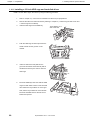
Refer to Chapter 2 (1.3 Overview of Installation and Removal) for preparations.
2.
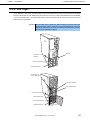
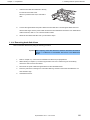
While referring to Chapter 2 (1.4 Removing the Side Cover and 1.5 Removing the Front Bezel,
remove the side cover and front bezel.
Express5800/T110f-S
User’s Guide