1
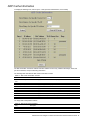
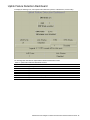
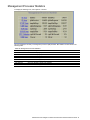
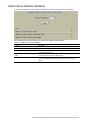
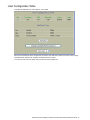
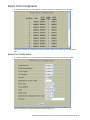
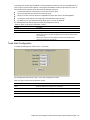
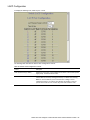
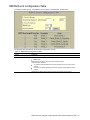
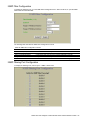
RMON Alarm Configuration Table
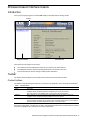
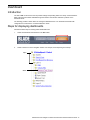
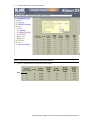
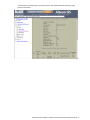
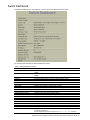
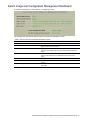
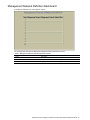
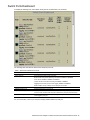
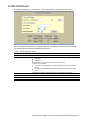
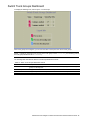
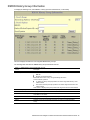
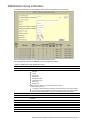
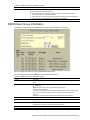
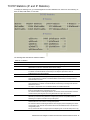
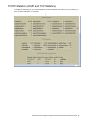
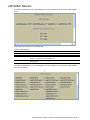
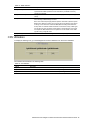
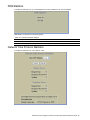
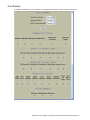
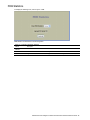
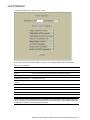
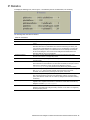
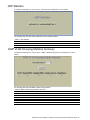
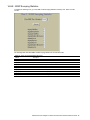
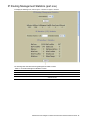
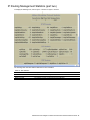
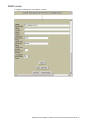
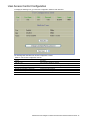
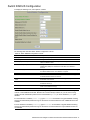
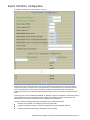
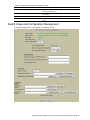
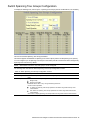
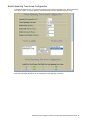
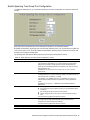
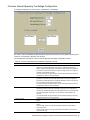
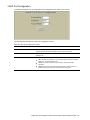
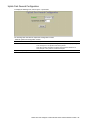
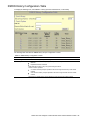
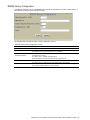
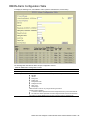
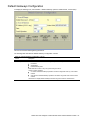
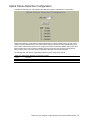
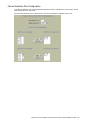
To display the following form, select RMON > Alarm (click the underlined text, not the folder).
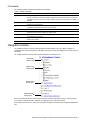
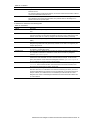
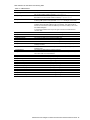
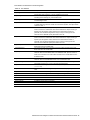
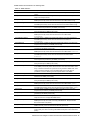
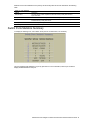
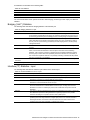
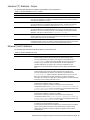
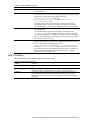
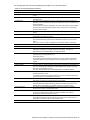
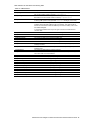
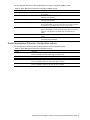
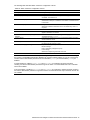
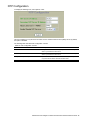
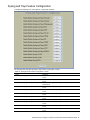
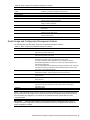
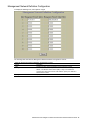
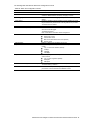
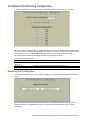
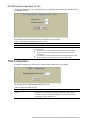
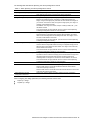
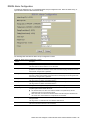
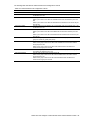
The following table describes the Alarm Groups Configuration controls:
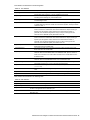
Table 89 RMON Alarm Configuration controls
Control
Description
Search Range
Search Options
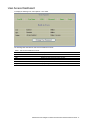
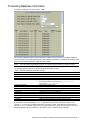
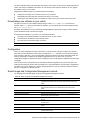
To search for a RMON Alarm, enter a range of numbers in the From and To fields.
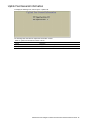
To focus the search for a RMON Alarm, enter optional search parameters:
MIB OID
Interval
Rising Limit
Falling Limit
Rising Event Index
Falling Event Index
Alarm Type
Sample Type
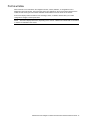
Fields that have a value of “any” are ignored during the search.
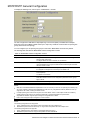
Choose a search operation:
or: Search for Alarms specified in the search range that meet any of the criteria entered.
and: Search for Alarms specified in the search range that meet all of the criteria entered.
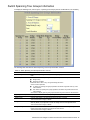
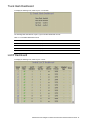
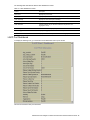
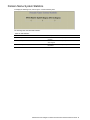
Click Search to display RMON Alarms that fit the range and meet the criteria entered.
N8406-022A 1Gb Intelligent L2 Switch Browser-based Interface Reference Guide 108