1
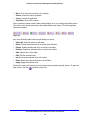
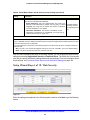
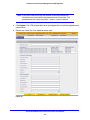
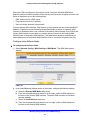
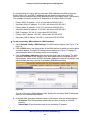
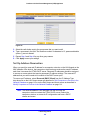
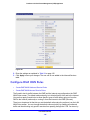
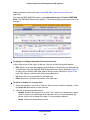
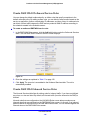
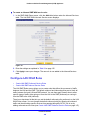
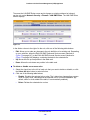
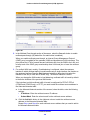
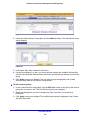
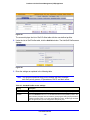
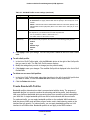
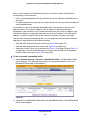
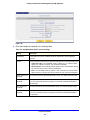
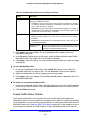
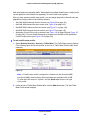
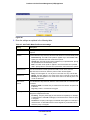
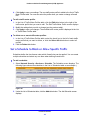
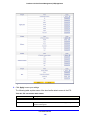
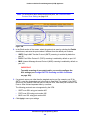
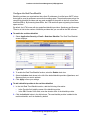
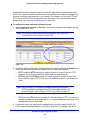
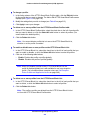
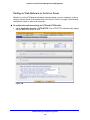
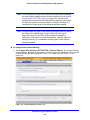
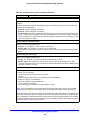
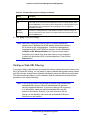
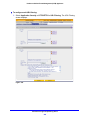
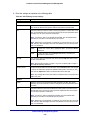
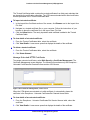
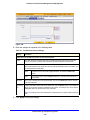
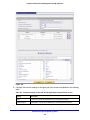
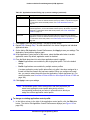
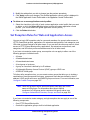
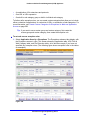
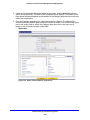
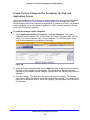
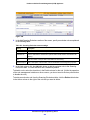
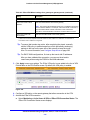
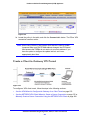
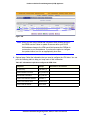
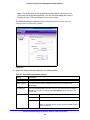
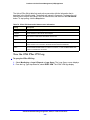
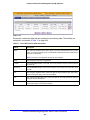
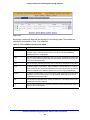
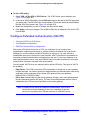
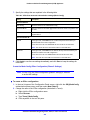
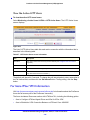
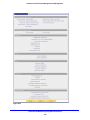
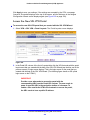
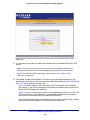
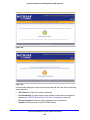
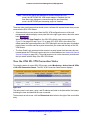
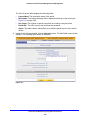
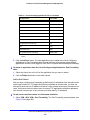
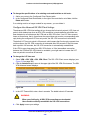
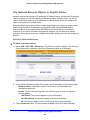
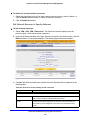
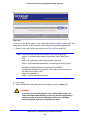
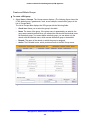
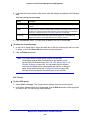
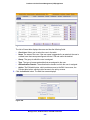
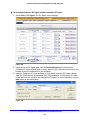
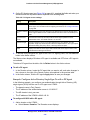
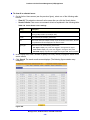
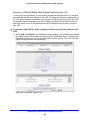
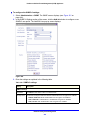
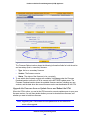
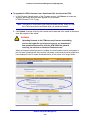
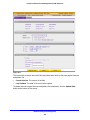
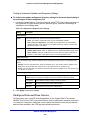
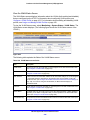
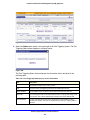
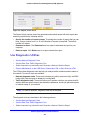
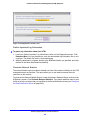
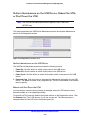
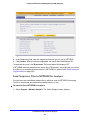
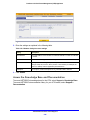
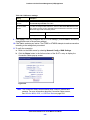
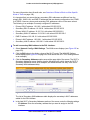
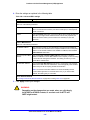
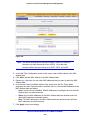
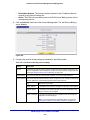
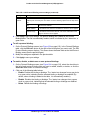
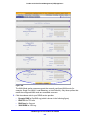
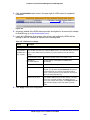
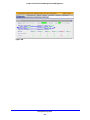
ProSecure Unified Threat Management (UTM) Appliance The Certificate Revocation Lists (CRL) table lists the active CAs and their critical release dates: • CA Identity. The official name of the CA that issued the CRL. • Last Update. The date when the CRL was released. • Next Update. The date when the next CRL will be released. 2. In the Upload CRL section, click the Browse button and navigate to the CLR file that you previously downloaded from a CA. 3. Click the Upload table button. If the verification process on the UTM approves the CRL, the CRL is added to the Certificate Revocation Lists (CRL) table. Note: If the table already contains a CRL from the same CA, the old CRL is deleted when you upload the new CRL. To delete one or more CRLs: 1. In the Certificate Revocation Lists (CRL) table, select the check box to the left of each CRL that you want to delete, or click the Select All table button to select all CRLs. 2. Click the Delete table button. Manage Users, Authentication, and VPN Certificates 427