1
NETGEAR ProSafe Dual Band Wireless Access Point WAG302v2 Reference Manual
•
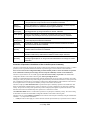
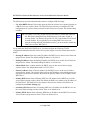
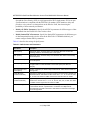
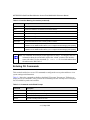
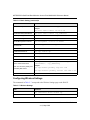
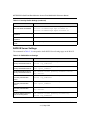
Secondary WINS Server: Enter a Secondary WINS Server IP address for the DHCP server
on the Access Point to assign wireless clients. There is no default server.
•
Lease: Enter a lease time in days, hours and minutes. The wireless client must renew the IP
address when the lease expires. The default lease time is one day.
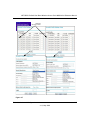
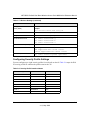
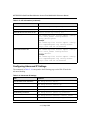
Configuring Hotspot Settings
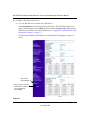
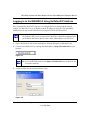
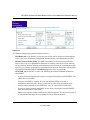
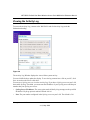
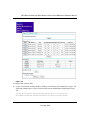
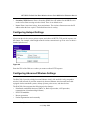
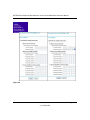
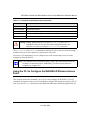
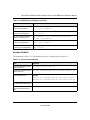
If you want the wireless access point to capture and redirect all HTTP (TCP, port 80) requests, use
this feature. For example, a hotel might want all wireless connections to go to its server to show a
branded splash screen.
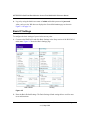
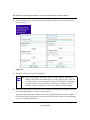
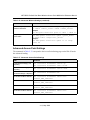
Figure 4-2
Enter the URL of the Web server where you want to redirect HTTP requests.
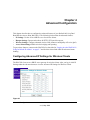
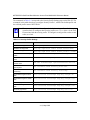
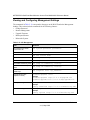
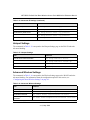
Configuring Advanced Wireless Settings
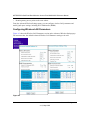
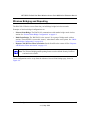
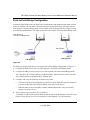
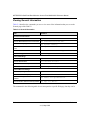
The WAG302v2 provides a bridge between Ethernet wired LANs and 802.11a/b/g compatible
wireless LAN networks. It provides connectivity between Ethernet wired networks and radioequipped wireless notebook systems, desktop systems, print servers, and other devices.
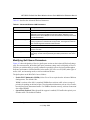
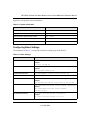
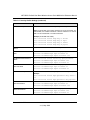
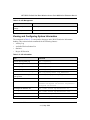
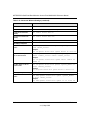
The WAG302v2 also supports the following wireless features:
• Distributed coordinated function (CSMA/CA, Back off procedure, ACK procedure,
retransmission of unacknowledged frames)
• RTS/CTS handshake
• Beacon generation
• Packet fragmentation and reassembly
Advanced Configuration
4-3
v1.0, May 2006