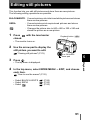
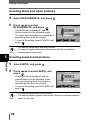
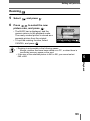
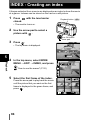
1
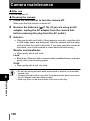
Selecting a record mode
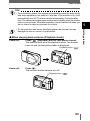
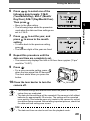
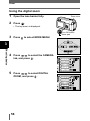
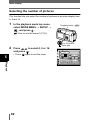
1
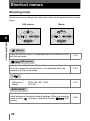
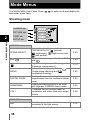
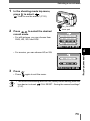
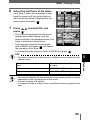
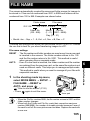
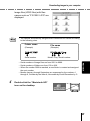
In the shooting mode top menu,
press
to select
.
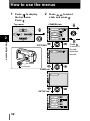
"How to use the menus" (P.32)
OK button
2
Arrow pad
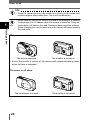
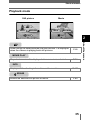
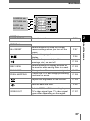
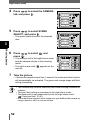
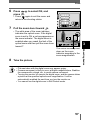
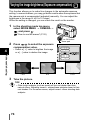
Press
to select the desired
record mode.
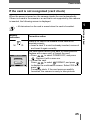
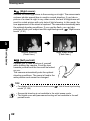
• For still pictures, you can choose from
SHQ, HQ, SQ1 and SQ2.
4
• For movies, you can choose HQ or SQ.
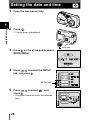
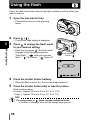
Press
• Press
Note
Advanced shooting
3
.
again to exit the menu.
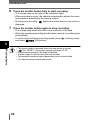
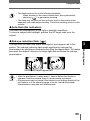
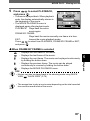
• The record mode setting returns to HQ (factory default setting) when the
lens barrier is closed.
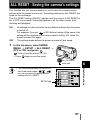
"ALL RESET - Saving the camera's settings"
(P.97)
73