1
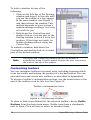
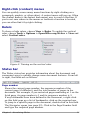
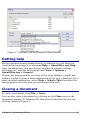
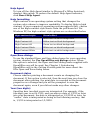
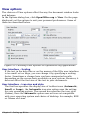
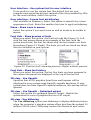
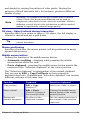
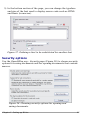
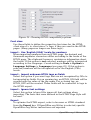
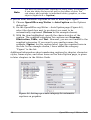
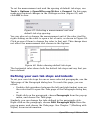
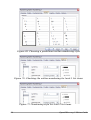
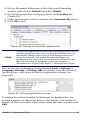
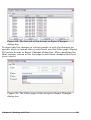
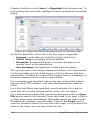
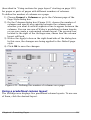
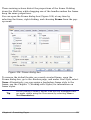
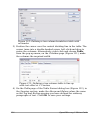
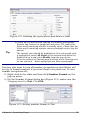
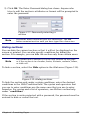
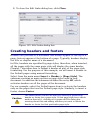
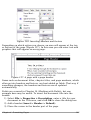
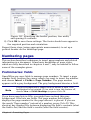
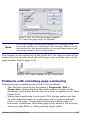
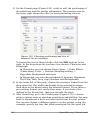
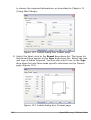
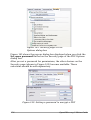
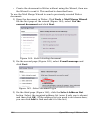
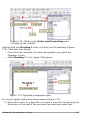
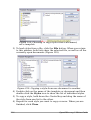
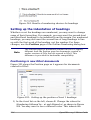
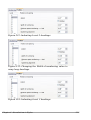
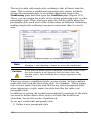
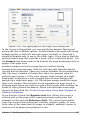
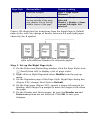
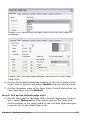
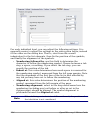
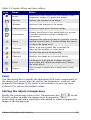
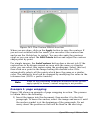
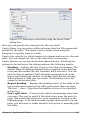
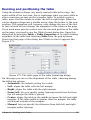
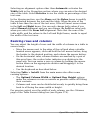
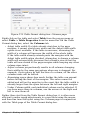
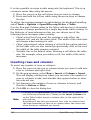
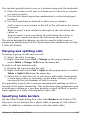
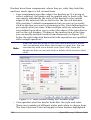
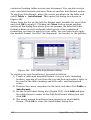
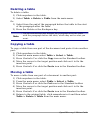
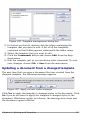
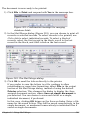
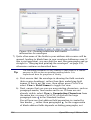
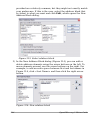
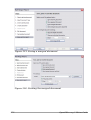
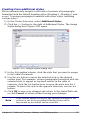
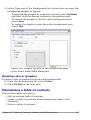
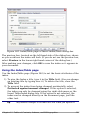
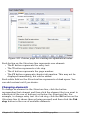
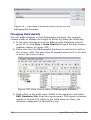
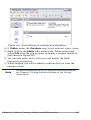
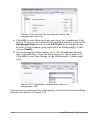
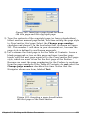
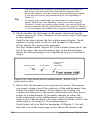
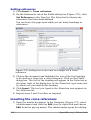
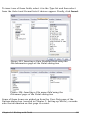
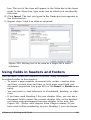
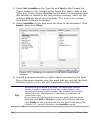
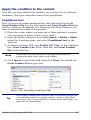
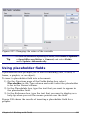
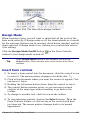
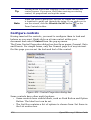
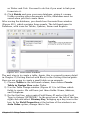
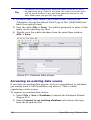
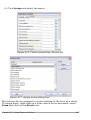
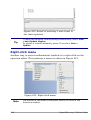
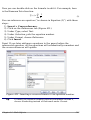
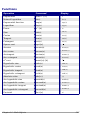
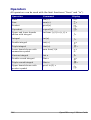
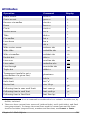
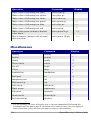
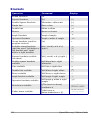
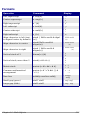
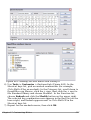
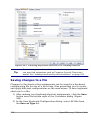
Figure 350. Modify table properties window
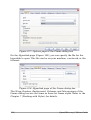
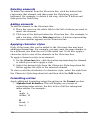
Adding entries to the database
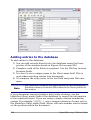
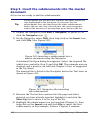
To add entries to the database:
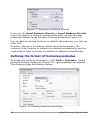
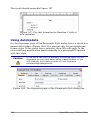
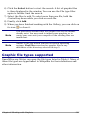
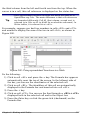
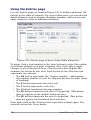
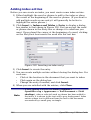
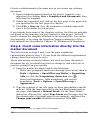
1) You can add records directly into the database using the lower
portion of the window shown in Figure 344 on page 400.
2) Complete each of the fields as required. Use the Tab key to move
between fields.
3) It is best to use a unique name in the Short name field. This is
used when inserting entries into documents.
4) To complete the entry move to the last field and press Tab once
more.
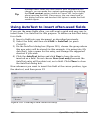
Note
The Identifier column in the upper portion of the Bibliography
Database window is labeled Short name in the lower portion of
the window.
If your document requires [Author, date] style citations, use the
Identifier (Short name) field of the database to record the information
in the required format. If you are using a simple citation numbering
system (for example, [1],[2],...), use a unique reference of some sort in
the Identifier (Short name) field. Writer will auto-number entries based
on the position within the document.
404
OpenOffice.org 3 Writer Guide