1
Polycom RMX 1500/2000/4000 Getting Started Guide
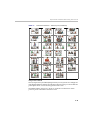
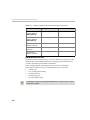
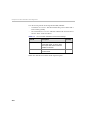
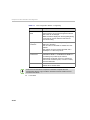
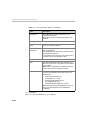
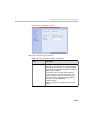
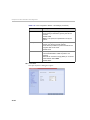
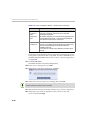
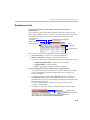
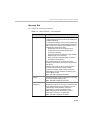
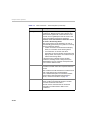
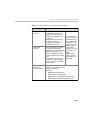
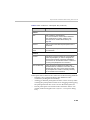
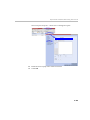
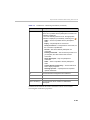
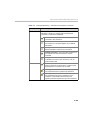
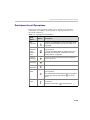
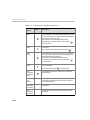
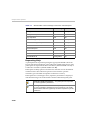
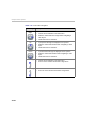
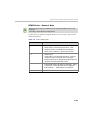
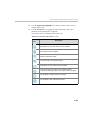
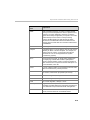
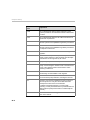
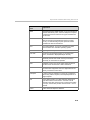
Table 3-3 New Conference – Participants Tab (Continued)
Column / Button
Description
Buttons
New
Click to define a new participant.
For more information, see the RMX 1500/2000/
4000 Administrator’s Guide, "Adding a new
participant to the Address Book Directly” on
page 5-4.
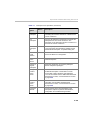
Remove
Click to remove the selected participant from the
conference.
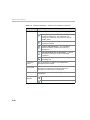
Add from Address
Book
Click to add a participant from the Address Book to
the conference.
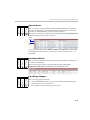
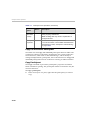
Lecturer
Lecturer
This option is used to activate the Lecture Mode.
Select the participant you want to designate as
Lecturer from the list of conference participants.
The Lecturer can be selected once the conference
is running and participants are connected.
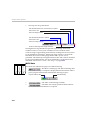
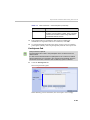
Dial Out Manually
Select this option to designate an RMX Usercontrolled dial-out conference connection. When
checked, the user must connect each of the dialout participants who remain on standby until they
are connected to the conference.
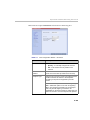
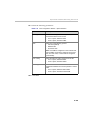
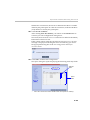
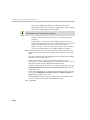
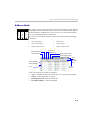
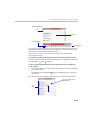
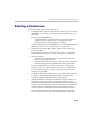
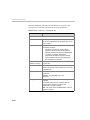
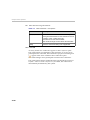
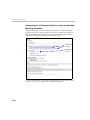
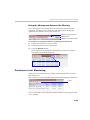
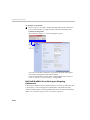
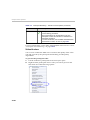
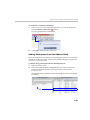
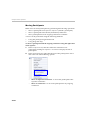
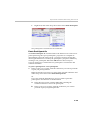
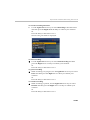
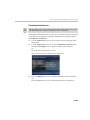
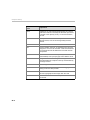
Participants can be added to the conference in the following methods:
— Defining a new participant during the definition of the
conference (clicking the New button).
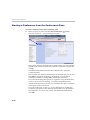
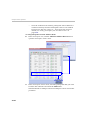
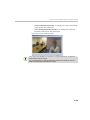
— Adding pre-defined participants from the Address Book by either
selecting the participants from the list or dragging and dropping
the participants from the Address Book to the Participants list.
— Dial-in participants can connect to the conference after it was
started (without using the New Conference - Participants dialog
box).
3-23