1
Windows
About Latency and other Audio Settings
D If you are using audio hardware for which there is a specific ASIO
driver, you should select this.
With an ASIO driver written specifically for the audio hardware, Reason can
communicate more or less directly with the audio hardware. The benefits are
lower latency (see below) and possibly better support for additional hardware features such as multiple outputs.
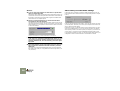
In the audio page, you will find a number of additional settings for audio. The
most important ones are Buffer Size and the corresponding readout for Output
Latency.
D If there is no specific ASIO driver, you should select the Direct
Sound driver for the audio hardware.
This makes Reason communicate with the hardware via Direct Sound (a part
of the Microsoft DirectX package). For this to be possible, you need to have
DirectX installed on your computer, and there must be a Direct Sound driver
for the audio hardware.
Latency is the delay between when audio is “sent” from the program and when
you actually hear it. The latency in an audio system depends on the audio hardware, its drivers and their settings.
If the latency is large, you will notice that the sound is delayed when you play a
device from a MIDI keyboard. You may also notice that reactions are delayed
when adjusting controls on the device panels (for example, if you lower the volume of a device, you will not hear this immediately but after the latency time).
If you experience high latency values, you will need to make adjustments to your
configuration. Please consult the electronic documentation for details.
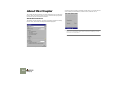
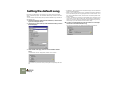
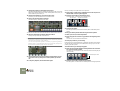
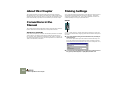
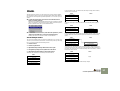
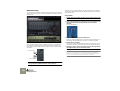
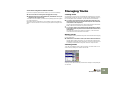
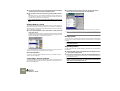
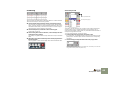
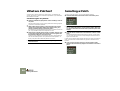
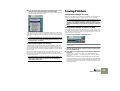
The Direct Sound driver for a Creative SoundBlaster PCI card selected.
!
Please be aware that as of this writing, Windows XP ships with DirectX version 8.1, and Windows 2000 with DirectX version 7.0. So if
you’re using one of these operating systems it is not necessary to
separately install DirectX, since it’s inherently a part of the operating system.
D If the audio hardware doesn’t support Direct Sound (i.e. there is no
Direct Sound driver available for the audio hardware), select the
MME driver.
This makes use of Windows Multimedia Extensions, the part of Windows
that handles audio, MIDI, etc. Using MME often results in larger latency values (see below).
16
Setting Up