1
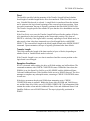
Firmware Update (From Tape)
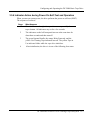
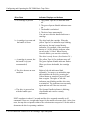
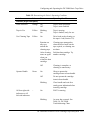
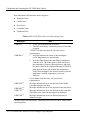
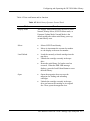
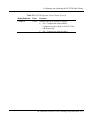
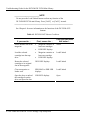
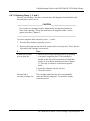
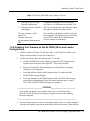
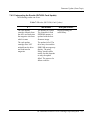
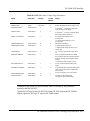
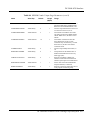
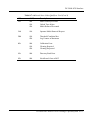
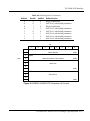
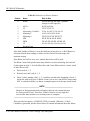
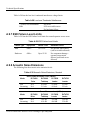
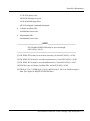
Table 7-3 gives additional details.
Table 7-3 Results (DLT4700) Code Update)
If …
Then …
The image is valid
1.
The tape is NOT a valid
firmware update tape
No update is attempted. Write Protect and
Tape In Use do not blink.
The tape contains a valid image,
but for some reason
reprogramming of Flash memory
fails
The controller is probably unusable and
needs to be replaced. The tape drive
resets itself and reruns POST, which fails
if the Flash memory does not contain a
valid image.
The Flash EEPROM containing the
current firmware is erased.
2. The new image is programmed in.
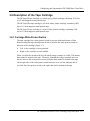
The subsystem completes the update in
about 2 minutes. Then:
1. The tape drive resets itself.
2. POST takes place.
3. The drive automatically unloads the
tape cartridge containing the
firmware image so you can remove
the cartridge.
This shows a successful firmware update.
_________________________ CAUTION _________________________
Never turn off power if you think the firmware is being updated. Doing so
can damage the controller.
___________________________________________________________
DLT4000/DLT4500/DLT4700 Cartridge Tape Subsystem 7-17