1
OTHER FEATURES
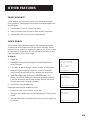
ON-SCREEN DISPLAYS
1
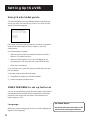
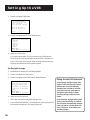
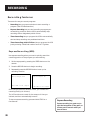
The INFO button sho ws the status of theVCR (Stop , Play, Rec , etc.),
channel number (Video1 or Video 2 for the line input), time counter,
date, time, and tape speed on the TV screen. The date and time must
be set before they can be displayed.
Ch 05
WABC
0:30:00
11/18/98 Wed 01:30PM SLP
On-screen display
(times out)
1. Press INFO to see the on-screen displays. If the channel name is
available, it appears under the channel number.
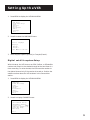
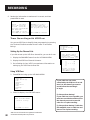
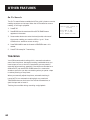
2. Press INFO again to have only the time counter remain on
the screen.
Stop
2
0:30:00
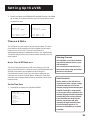
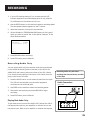
3. Press INFO again to return to the normal display mode.
Turning off theVCR also r esets the displays.
Time counter only
(does not time out)
3
Audio Set-Up Features
The audio set-up features enhance your tape playback and
recordings. The features in this section are accessed through the
AUDIO men u and are shown in the displays below.
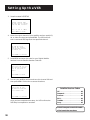
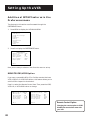
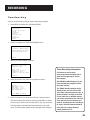
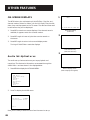
1. Press MENU to display the VCR MAIN MENU.
1
2
3
4
5
6
7
8
0
VCR MAIN MENU
VCR Plus+
Timer Recordings
Time
Channels
Setup
Preferences
Audio
Language
Exit
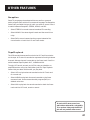
2. Press 7 to display the AUDIO menu.
AUDIO
1 Reception:
STEREO
2 Tape Playback: HI-FI
0 Exit
Now you are ready to select an item from the menu to set up.
46
Normal display mode
(status displays will appear)