1
Industry Automation and Drive Technologies - SCE
4.4
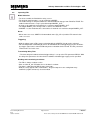
Inserting Blocks and FB1 and DB10 into the Project
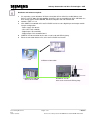
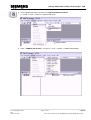
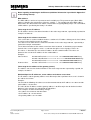
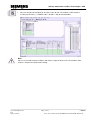
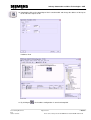
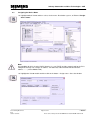
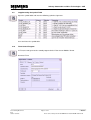
From the template directory or from the Image Processing System SIMATIC VS120 V2.1 CD from
the directory "Function Blocks“, de-archive and open the library VS120-2.
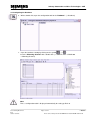
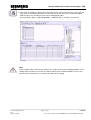
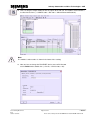
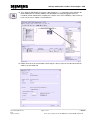
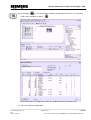
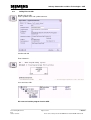
Add FB1 and DB10 to the block folder of the project.
Close the library.
Note:
Instead of library VS120-2, we can also de-archive the example program VS120_Examples. The file
Vs120_Examples.zip is located on the Image Processing System SIMATIC VS120 V2.1 CD in the
directory “Examples“, subdirectory "SIMATIC“
4.5
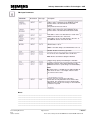
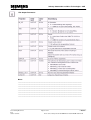
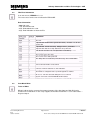
Function Block FB1
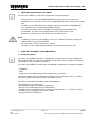
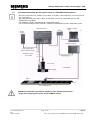
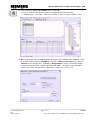
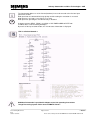
For a simpler handling of the functions of Vision Sensor SIMATIC VS12, the function block FB1 is
provided for IO operations.
FB1 facilitates software-engineering integration into the control program.
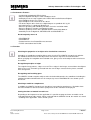
Tasks of FB1
• Selecting a model or model set
• Reading the result data and storing it in DB10
(DB10 is included in the documentation package)
• Operating the control and status interface (triggering, result bits, ...)
• Transmitting the delay time of the trigger
• Reading out error indications
TIA Training Document
E12
Status: 01/2010
Page 25 of 47
Module
Vision Sensor Shape Check with SIMATIC S7-300F 2PN/DP and VS120