1
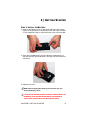
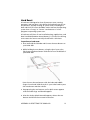
NOTE: The charging cradle included with the SoMo 650-M has
a compartment for charging an extra battery. You can charge
an extra battery and the device simultaneously in the cradle.
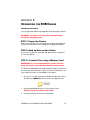
STEP 3: SET UP YOUR SOMO 650
NOTE: Make sure the SoMo 650 is fully charged before
proceeding.
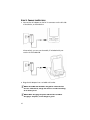
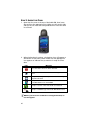
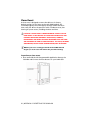
1.
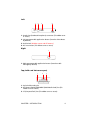
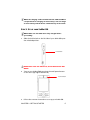
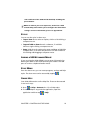
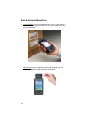
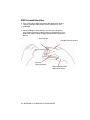
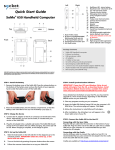
Slide the hold switch on the left side of your SoMo 650 up to
the unlocked position.
Hold switch
IMPORTANT! SLIDE THE SWITCH UP, OR THE DEVICE WILL NOT
WORK!
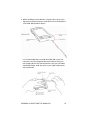
2.
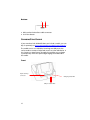
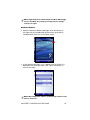
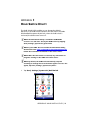
Turn on your SoMo 650 by pressing the small power button
on the front (top right-hand corner).
Power button
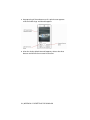
3.
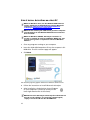
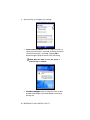
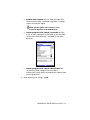
Follow the onscreen instructions to set up your SoMo 650.
CHAPTER 2: GETTING STARTED
17