1
Chapter 11 Wireless Frame Capture
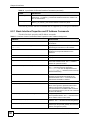
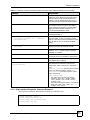
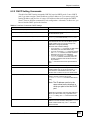
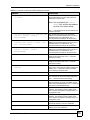
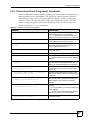
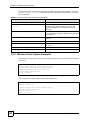
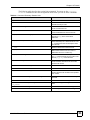
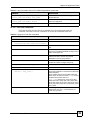
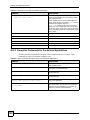
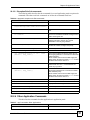
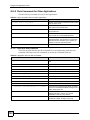
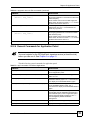
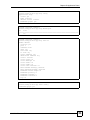
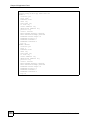
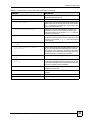
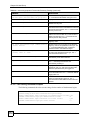
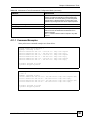
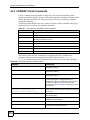
The following table describes the commands available for wireless frame capture. You must
use the configure terminal command to enter the configuration mode before you can use
these commands.
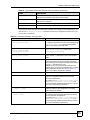
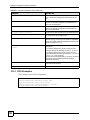
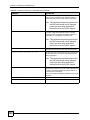
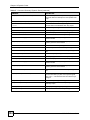
Table 43 Command Summary: Wireless Frame Capture
COMMAND
DESCRIPTION
frame-capture configure
Enters sub-command mode for wireless frame capture.
src-ip {add|del} {ipv4_address |
local}
Sets or removes the IPv4 address of an AP controlled by
the NXC that you want to monitor. You can use this
command multiple times to add additional IPs to the
monitor list.
file-prefix file_name
Sets the file name prefix for each captured file. Enter up
to 31 alphanumeric characters. Spaces and underscores
are not allowed.
files-size mon_dir_size
Sets the total combined size (in kbytes) of all files to be
captured.
exit
Exits configuration mode for wireless frame capture.
[no] frame-capture activate
Starts wireless frame capture. Use the no parameter to
turn it off.
show frame-capture status
Displays whether frame capture is running or not.
show frame-capture config
Displays the frame capture configuration.
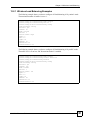
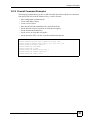
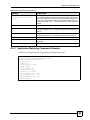
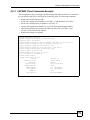
11.2.1 Wireless Frame Capture Examples
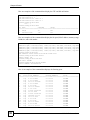
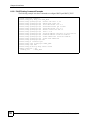
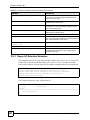
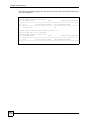
This example configures the wireless frame capture parameters for an AP located at IP address
192.168.1.2.
Router(config)# frame-capture configure
Router(frame-capture)# src-ip add 192.168.1.2
Router(frame-capture)# file-prefix monitor
Router(frame-capture)# files-size 1000
Router(frame-capture)# exit
Router(config)#
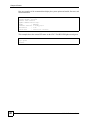
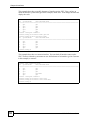
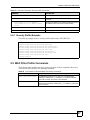
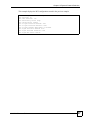
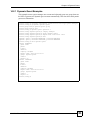
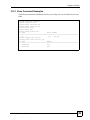
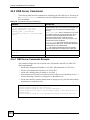
This example shows frame capture status and configuration.
Router(config)# show frame-capture status
capture status: off
Router(config)# show frame-capture config
capture source: 192.168.1.2
file prefix: monitor
file size: 1000
94
NXC CLI Reference Guide