1
Start-up
6.2
Changing default settings (option)
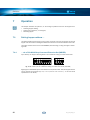
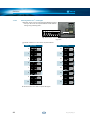
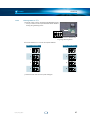
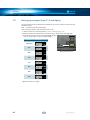
If you want the hopper to operate with other DIL switch settings than ordered by you and set by
NRI and want to reconfigure the hopper address (default setting: 3) or payout speed using the
switches, it is advisable to change these settings before connecting and installing the hopper
(cp. Chap. "7 Operation", p. 24).
6.3
Connecting hopper
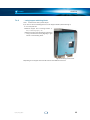
Depending on where the hopper(s) is/are to be installed in the machine, it is advisable to connect the hopper(s) first:
1 Disconnect the machine from the power supply.
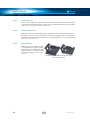
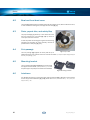
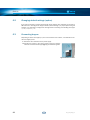
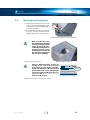
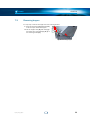
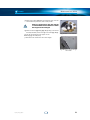
2 Connect the hopper to the control system using the machine
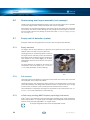
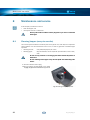
interface on the rear of the hopper [Fig. 14/] and connecting cable.
Fig. 14: Machine interface
22
BA_h2_nano_F51_EN_2-1