1
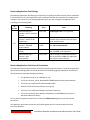
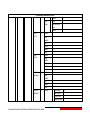
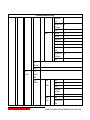
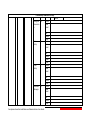
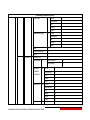
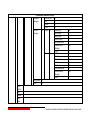
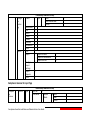
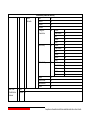
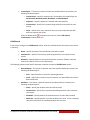
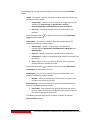
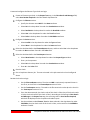
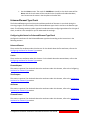
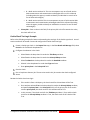
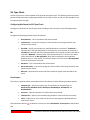
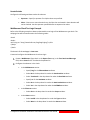
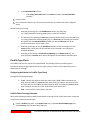
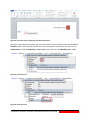
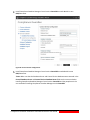
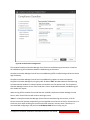
The following elements with specific attributes are within the optional Attributes section: o Length – This section is optional. Select the checkbox before this element, the following attributes appear: CompareType – Specify a compare type for this length compare. The attributes for CompareType are GreaterThan, LessThan, GreaterOrEqualThan, LessOrEqualThan, Equal and NotEqual. Characters – Specify the number of the characters used for the compare. Select the delete button ( ) to delete this check rule. Select Add Another Length to add another rule. o TextCompare – This section is optional. Select the checkbox before this element, the following attributes appear: CompareType – Specify a compare type. The attributes for CompareType are MustContain, MustNotContain, MustEqual, and MustNotEqual. Separator – Specify a separator if multiple values are specified. CaseSensitive – Specify if the attribute being tested for must match the case exactly. Value – Define one or more values for the test, use the separator specified before to separate the values. Select the delete button ( ) to delete this check rule. Select Add Another TextCompare to add another check rule. o WordsRepeat – This section is optional. Select the checkbox before this element, the following attribute appears: o Number – Define the number of times that words can repeat in the attribute value before the test fails. ElementContent – This section is optional. Select the checkbox before this element, the following attribute appears: ContentReq – Specify whether the specified element must contain content. If Yes is selected, then the element must contain content, or the check for this section will be False. The following elements with specific attributes are within the optional ElementContent section: 296 Compliance Guardian Installation and Administration User Guide