1
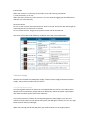
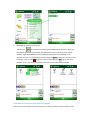
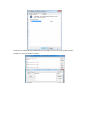
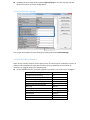
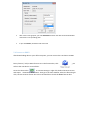
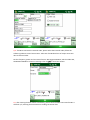
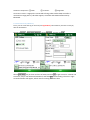
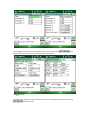
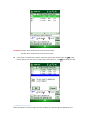
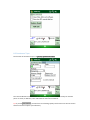
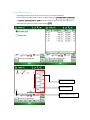
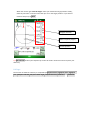
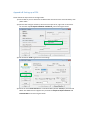
5) Switch to term Frequencies to configure the output frequency of PDL, you can input the
values of Tx/Rx frequencies for corresponding channel according to your own need. Just
like the figure below.
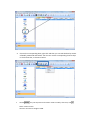
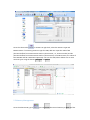
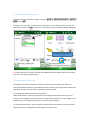
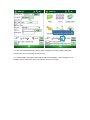
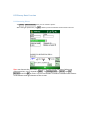
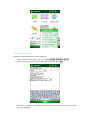
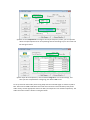
6) After input all the frequencies, click the button Program to save all the settings, and
then you have completed the configuring, click button Exit to exit.
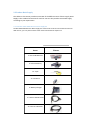
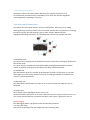
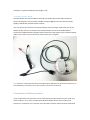
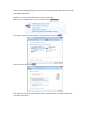
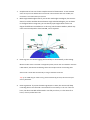
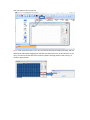
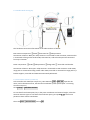
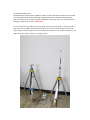
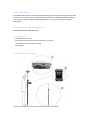
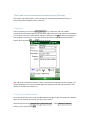
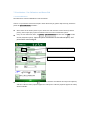
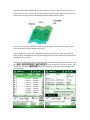
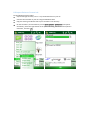
To set up external radio mode, link the long whip antenna mounted highly on another tripod to
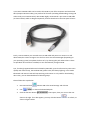
PDL. Then Connect S100 to PDL with Lemo cable and connect the external battery with power
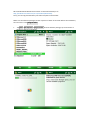
cable. Finally, choose appropriate channel on PDL (see chapter 6.1.4 for software operation). The
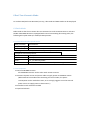
cable connection of PDL is shown in the figure below.