1
1. Introduction
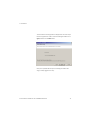
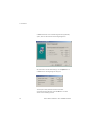
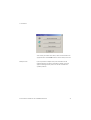
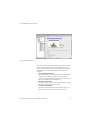
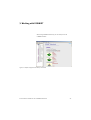
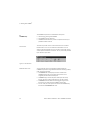
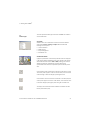
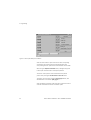
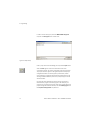
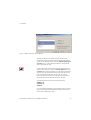
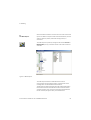
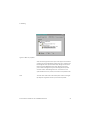
COSIMIR® Educational can be installed along with two supplementary
options, which can be selected in the following dialogue box:
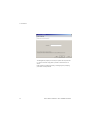
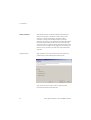
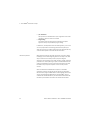
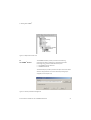
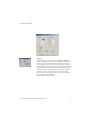
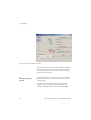
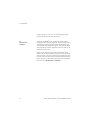
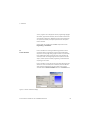
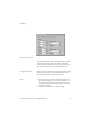
We recommend to use the default settings. Click the Option button of
COSIMIR® Kernel. Following dialog box will appear:
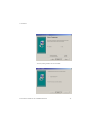
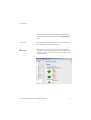
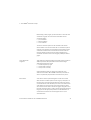
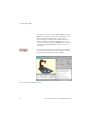
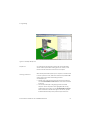
The examples include predefined robotic workcells with
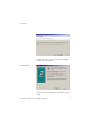
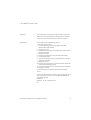
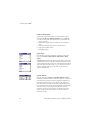
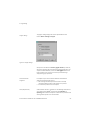
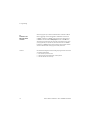
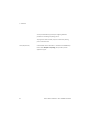
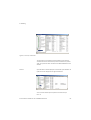
comprehensively described tasks. Click the OK button. You will be
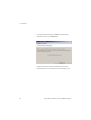
asked to confirm following selection:
18
© Festo Didactic GmbH & Co. KG • COSIMIR® Educational