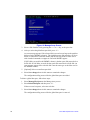
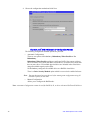
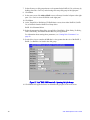
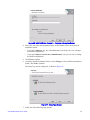
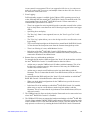
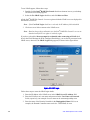
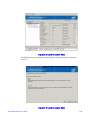
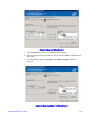
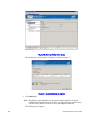
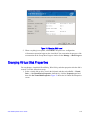
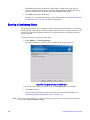
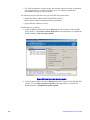
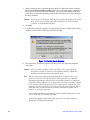
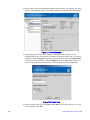
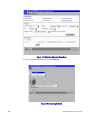
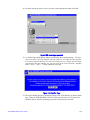
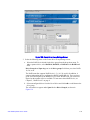
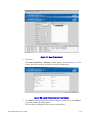
6. Create the required Security key. Use the default suggestion, or create your own, then
click Next.
Figure 100. Enter Security Key
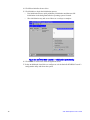
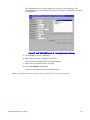
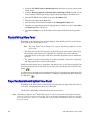
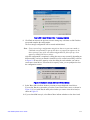
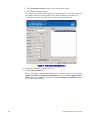
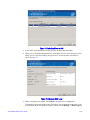
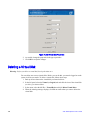
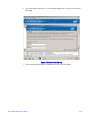
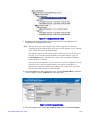
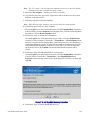
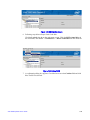
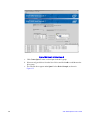
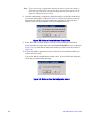
7. Create an optional Pass Phrase for additional security, then click Next.
Intel® RAID Software User’s Guide
151