1
a compelling reason to do otherwise ... you are a professional, aren't you ? Eventide does
not recommend the use of S/P DIF above 48kHz sampling.
Unless you’re only using the analog inputs and
outputs, you’ll need to make sure all of the digital
devices in your studio or rack are slaved to the
same clock source. The H8000FW can generate
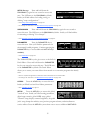
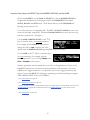
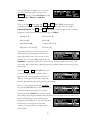
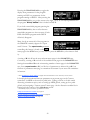
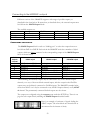
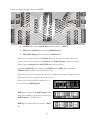
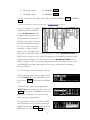
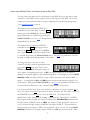
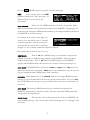
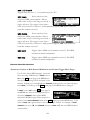
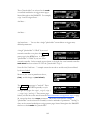
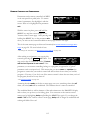
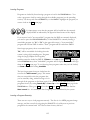
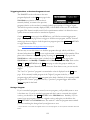
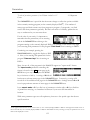
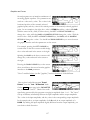
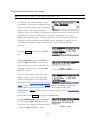
its own clock at 44.1kHz, 48kHz, 88.2kHz, or 96kHz as selected by Source on the clock
menu page in the SETUP area.
If you use the H8000FW’s internal clock, be sure
that the digital devices that are connected to it
derive their clock signals from the H8000FW. If
you are unable to synchronize AES/EBU inputs
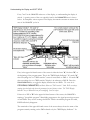
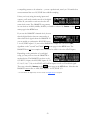
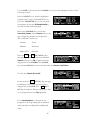
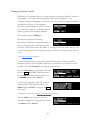
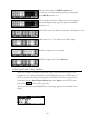
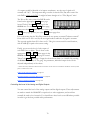
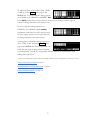
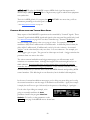
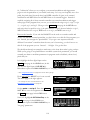
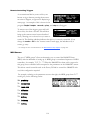
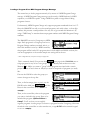
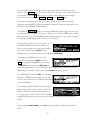
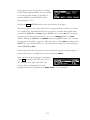
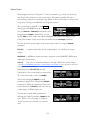
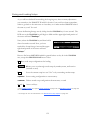
1-4 or S/P DIF inputs 1/2, turn on the H8000FW’s sample rate conversion (SRC)
algorithm on the "second" and "third" clock menu pages in the SETUP area. The
H8000FW does not have sample rate conversion for AES11-18 or the ADAT inputs.
Depending on the particulars of your digital
setup, you may wish to slave the H8000FW to
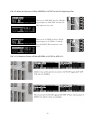
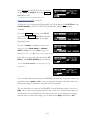
another device. The H8000FW can slave to the
S/P DIF 3/4 input, the AES/EBU inputs 11/12,
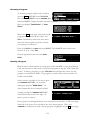
13/14, 15/16, 17/18, or the ADAT and FireWire inputs as well as a Wordclock signal.
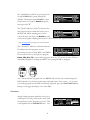
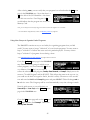
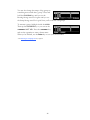
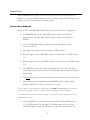
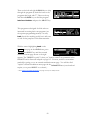
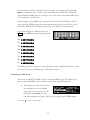
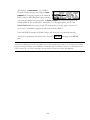
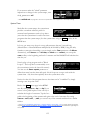
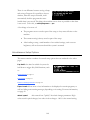
These are selected by Source on the clock menu page in the SETUP area. Note that the
H8000FW cannot slave to AES/EBU inputs 1-4 or S/P DIF 1/2.
→ To read about the digital setup in more detail, see Digital Setup on page 80.
23