1
DELTAplus meter User’s Manual Rev C
2.6.1
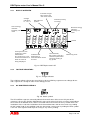
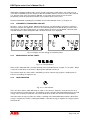
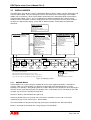
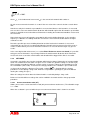
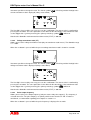
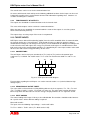
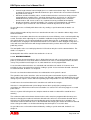
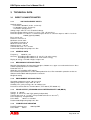
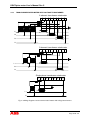
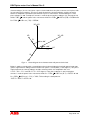
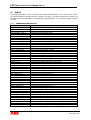
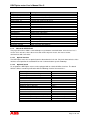
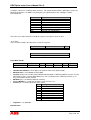
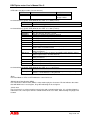
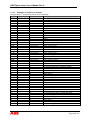
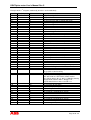
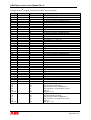
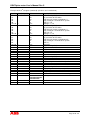
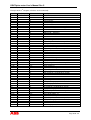
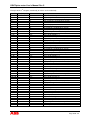
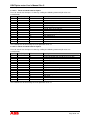
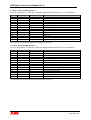
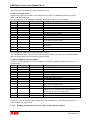
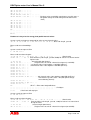
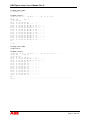
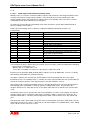
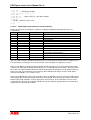
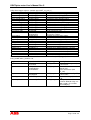
DISPLAY OVERVIEW
!
"
!
!
!
"
'
&&
$
&
&& &
$
$
'$
&
(
$
#
%
"
& %
&&
% $
% $
"$
"
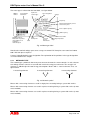
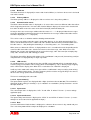
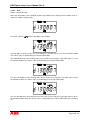
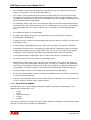
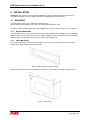
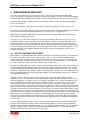
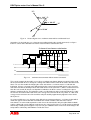
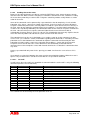
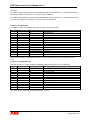
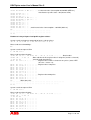
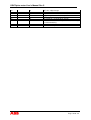
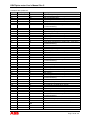
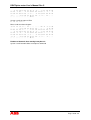
Fig. 2-6 DELTAplus meter LCD
2.6.2
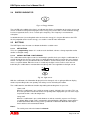
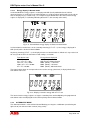
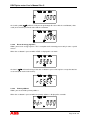
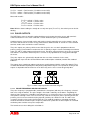
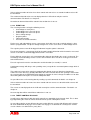
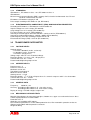
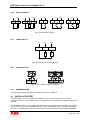
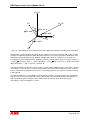
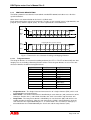
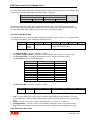
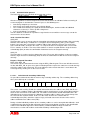
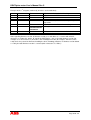
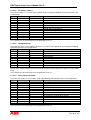
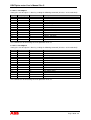
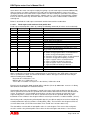
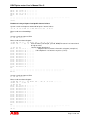
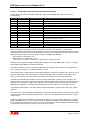
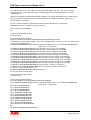
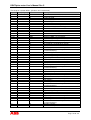
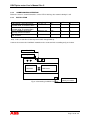
VOLTAGE INDICATORS
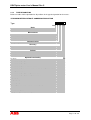
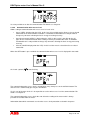
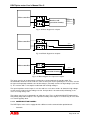
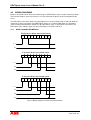
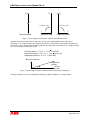
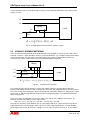
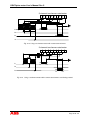
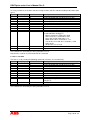
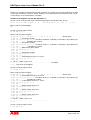
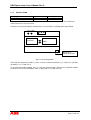
Fig. 2-7 Voltage indicators
These indicate voltage element presence/absence where a blinking segment means voltage absent
and a segment in a steady on state means voltage present.
2.6.3
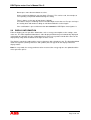
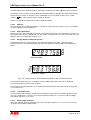
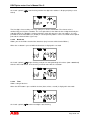
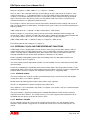
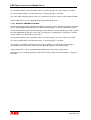
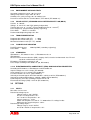
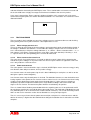
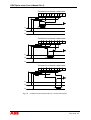
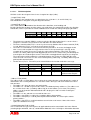
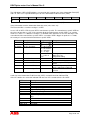
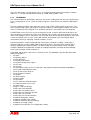
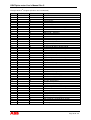
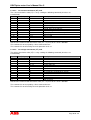
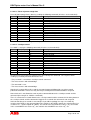
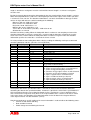
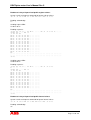
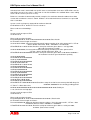
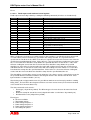
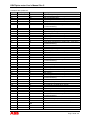
OK AND ERROR SYMBOLS
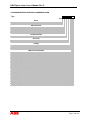
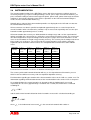
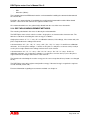
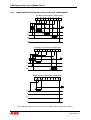
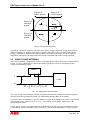
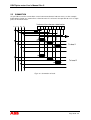
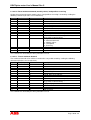
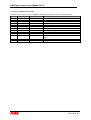
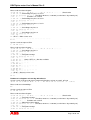
Fig. 2-8 Status symbols
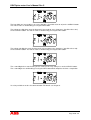
The OK and Error segments constantly indicate the overall status of the meter. Only one of the
segments is lit at a time. Besides indicating the status of the meter itself, they are also used to indicate
the result of an installation check, which is a function where the meter itself every second checks the
installation. If the result of the installation check detected no errors and no meter errors are pending
the OK symbol is on. If an installation error was detected or a meter error is pending the Error symbol
is on. The error segment will be kept on as long as any error is pending.
Page 17 of 137