1
PE-5 Chassis Service Manual
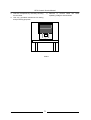
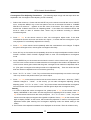
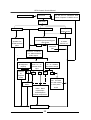
18.Pres“EXIT”to exit
convergence adjust
mode
16.Press
GREEN key
┌
┐
┌
┐
└
┘
└
┘
17.Rdeo step 6
— step 11
S-MODE PE5 MX
19.Press STILL key back to
normal watching, or to
adjust convergence under
other modes
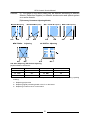
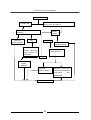
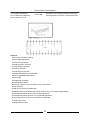
Attachment:Examples of dot/line adjustment
● During convergence adjustment, press “5”key on the remote control to switch between DOT
and LINE modes. Can use these two adjust modes during convergence adjusting.
(Example 1:line mode)
(Example 2:dot mode)
Moving convergence lines to right or left
┌
┐
└
┘
Making convergence lines straight.
2(After Dot Adjust)
┌
┐
└
┘
1(Before Line Adjust)
2(After Line Adjust, while before Dot adjust)
1(Before Dot Adjust)
9