1
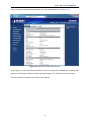
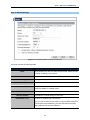
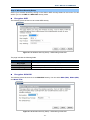
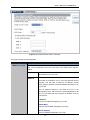
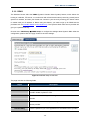
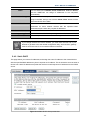
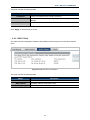
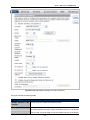
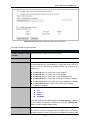
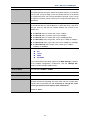
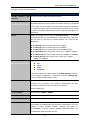
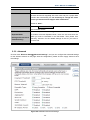
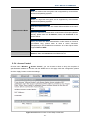
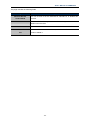
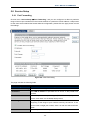
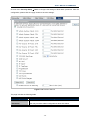
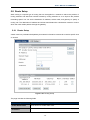
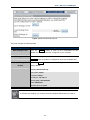
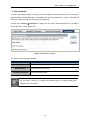
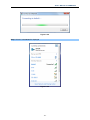
User’s Manual of WNRT-633 The page includes the following fields: Object Description Enable WDS Check the box to enable the WDS function. Please select WDS or AP+WDS in the Mode of Wireless Basic Settings before you enable WDS on this page. MAC Address You can enter the MAC address of the AP you want to connect with. Data Rate Default is “Auto”. Comment You can make some comment for each MAC address on the list. Set Security Click the “Set Security” button, then configure the wireless security parameters of the AP you want to connect via WDS. Show Statics Current WDS AP List Click the “Show Statics” button to show the WDS AP. You can select some MAC address of the AP, and click the “Delete Selected” button to delete it. 1. WDS feature can only be implemented between 2 wireless devices that both support the WDS feature. Plus, SSID, channel, security settings and security key must be the same on both such devices. 2. To encrypt your wireless network, see sections 5.5.3. Do remember to reboot the device after you save your wireless security settings; otherwise, the WDS feature may not function. 5.5.6 Site Survey Choose menu “Wireless Site Survey” to scan the available local AP. If any Access Point is found, you could choose any one to connect with manually when the Client Mode is enabled. Figure 5-5-11 Wireless Site Survey -65-