1
Digiframe
[Type some text]
Digital photo frame
III.
SETTINGS
1.
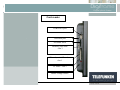
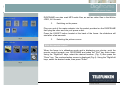
Main menu
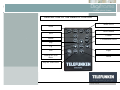
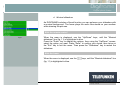
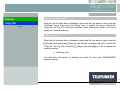
With the remote control
When the frame is in slideshow mode and is displaying your photos, press the
"Exit" key twice to display the mode selection screen.
Then press the "Menu" key: this is then displayed.
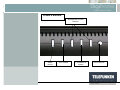
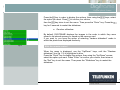
With the frame
When the frame is in slideshow mode and is displaying your photos, press the
key twice to display the mode selection screen.
Then press the
key for one second in order to display the main menu.
17
Non binding document, subject to modification in the event of
misprint(s) – MKG0308