1
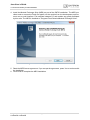
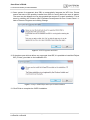
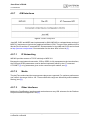
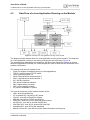
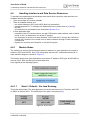
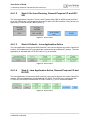
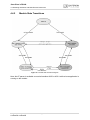
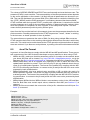
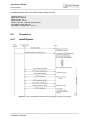
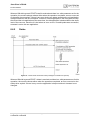
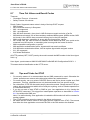
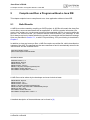
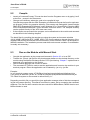
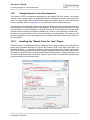
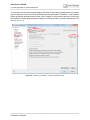
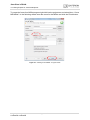
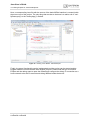
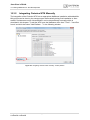
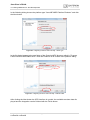
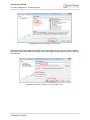
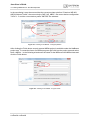
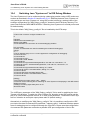
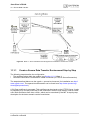
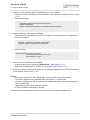
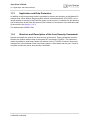
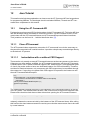
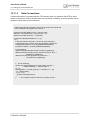
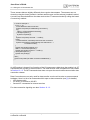
Java User’s Guide 10.2 Using Eclipse for Java Development 84 In the following window select the Browse…button, browse to the root folder of the Cinterion ABC2 WTK directory or enter its path "Program Files\Cinterion\CMTK\ABC2\WTK" directly. After the path has been entered it is scanned for usable CLDC device configurations and the found Cinterion WTK is added to the list. By clicking the Finish button it is added to the Eclipse IDE. Figure 30: Integrating Cinterion WTK manually - Browse Now the Cinterion WTK is available in the list of installed Java ME SDKs. To have the Cinterion WTK Java documentation directly available in your MIDlet projects the following additional steps are necessary. Select the new installed IMP_NG2_ABC2 device and click the Edit… button. Figure 31: Integrating Cinterion WTK manually - Edit wm_java_usersguide_v19 Confidential / Released Page 64 of 109 2012-01-27