1
commands do not stroke or fill the paths, these parameters, and the
linestyle, fillstyle and related parameters, do not have any other effect
(except that in some cases linewidth is used in some calculations when
drawing the path). \pscustom and \fill make use of fillstyle and related parameters, and \pscustom and \stroke make use of plinestyle and
related parameters.
For example, if you include
\psline[linewidth=2pt,linecolor=blue,fillstyle=vlines]{<-}(3,3)(4,0)
in \pscustom, then the changes to linewidth and linecolor will affect the
size and color of the arrow but not of the line when it is stroked, and the
change to fillstyle will have no effect at all.
The shadow, border, doubleline and showpoints parameters are disabled in \pscustom, and the origin and swapaxes parameters only affect
\pscustom itself, but there are commands (described below) that let you
achieve these special effects.
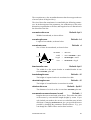
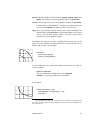
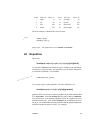
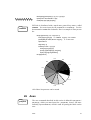
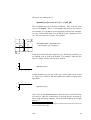
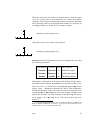
The dashed and dotted line styles need to know something about the
path in order to adjust the dash or dot pattern appropriately. You can
give this information by setting the
linetype=int
Default: 0
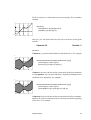
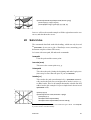
parameter. If the path contains more than one disconnected segment,
there is no appropriate way to adjust the dash or dot pattern, and you
might as well leave the default value of linetype. Here are the values
for simple paths:
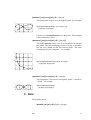
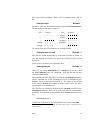
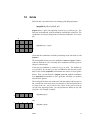
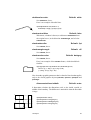
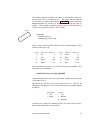
Value
0
Type of path
Open curve without arrows.
-1
-2
-3
Open curve with an arrow at the beginning.
Open curve with an arrow at the end.
Open curve with an arrow at both ends.
1
Closed curve with no particular symmetry.
n>1
Closed curve with n symmetric segments.
19 Graphics objects
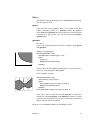
You can use most of the graphics objects in \pscustom. These draw
paths and making arrows, but do not fill and stroke the paths.
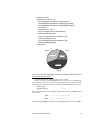
There are three types of graphics objects:
Graphics objects
33