1
22
Chapter 2. GNU Compiler Collection (GCC)
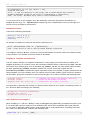
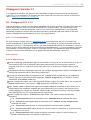
Example 2.2. Running a C Program on the Command Line
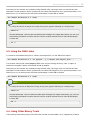
Assuming that you have successfully compiled the hello binary file as shown in Example 2.1,
“Compiling a C Program on the Command Line”, you can run it by typing the following at a shell prompt:
~]$ ./hello
Hello, World!
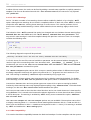
2.2. GNU C++ Compiler
2.2.1. Installing the C++ Compiler
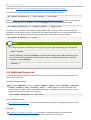
In Red Hat Developer T oolset, the GNU C++ compiler is provided by the devtoolset-1.1-gcc-c++
package, and is automatically installed with the devtoolset-1.1 package as described in Section 1.5,
“Installing Red Hat Developer T oolset”.
2.2.2. Using the C++ Compiler
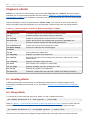
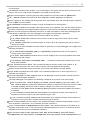
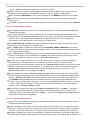
T o compile a C++ program on the command line, run the g++ compiler as follows:
scl enable devtoolset-1.1 'g++ -o output_file source_file...'
T his creates a binary file named output_file in the current working directory. If the -o option is
omitted, the g++ compiler creates a file named a.out by default.
When you are working on a project that consists of several source files, it is common to compile an
object file for each of the source files first and then link these object files together. T his way, when you
change a single source file, you can recompile only this file without having to compile the entire project.
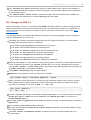
T o compile an object file on the command line, run the following command:
scl enable devtoolset-1.1 'g++ -o object_file -c source_file'
T his creates an object file named object_file. If the -o option is omitted, the g++ compiler creates a
file named after the source file with the .o file extension. T o link object files together and create a binary
file, run:
scl enable devtoolset-1.1 'g++ -o output_file object_file...'
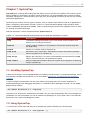
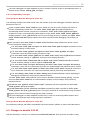
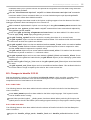
Note that you can execute any command using the scl utility, causing it to be run with the Red Hat
Developer T oolset binaries used in preference to the Red Hat Enterprise Linux system equivalent. T his
allows you to run a shell session with Red Hat Developer T oolset g++ as default:
scl enable devtoolset-1.1 'bash'