1
PCIE-9450 CPU Card
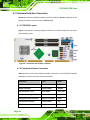
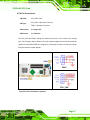
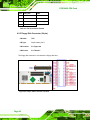
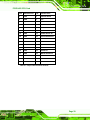
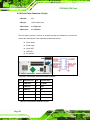
4.3 External Peripheral Interface Connectors
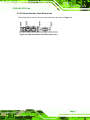
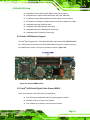
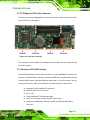
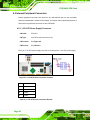
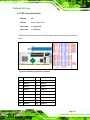
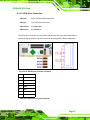
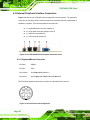
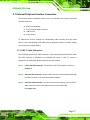
Figure 4-15 shows the PCIE-9450 external peripheral connector panel. The peripheral
connectors on the panel can be connected to devices externally when the motherboard is
installed in a chassis. The external peripheral connectors are:
1 x Keyboard/Mouse connector (labeled 1)
2 x RJ-45 GbE connectors (labeled 2 and 3)
2 x USB 2.0 ports (labeled 4)
1 x VGA connector (labeled 5)
Figure 4-15: PCIE-9450 External Peripheral Connector Panel
4.3.1 Keyboard/Mouse Connector
CN Label:
KB/MS
CN Type:
PS/2
CN Location:
See Figure 4-15 (labeled 1)
CN Pinouts:
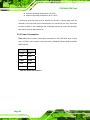
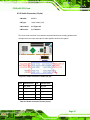
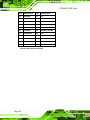
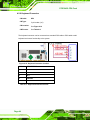
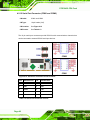
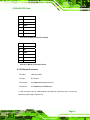
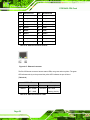
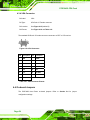
See Figure 4-16, Table 4-16 and Table 4-17
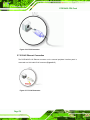
The PCIE-9450 keyboard and mouse connector is a standard PS/2 connector.
Figure 4-16: PS/2 Pinout and Configuration
Page 50