1
NETSIM USER GUIDE
Basic Lab Tutorial
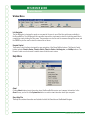
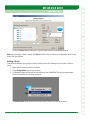
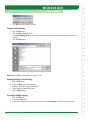
View Lab
Clicking the View LabBUTTONWILLOPENAN!DOBE!CROBATlLECONTAININGTHEINSTRUCTIONSFORTHELABTHATYOU
selected. You can choose to print the lab at this time or follow along in the PDF.
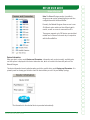
Load Lab
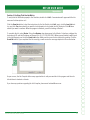
When you click the Load Lab button, you will be asked if you would like to load the corresponding topology into
the Simulator. Answering Yes will display the Simulator in the background and create new windows, each of
which represents a new device (e.g., a router, a switch, or a PC).
Part 2: The Network Simulator
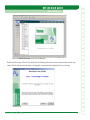
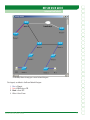
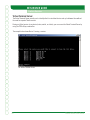
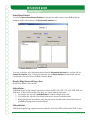
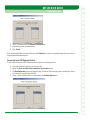
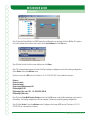
Once the lab is loaded, you will see the following screen:
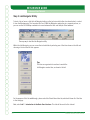
After this device prompt screen is displayed, you are ready to begin the lab.
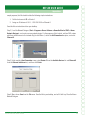
Complete the lab as follows:
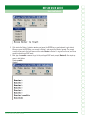
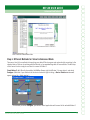
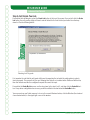
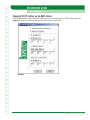
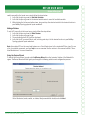
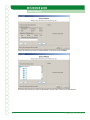
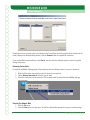
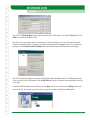
1. If you have not done so already, click the eRouters button located at the top of your screen, and select
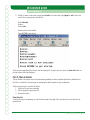
Router 1. The Router 1 interface will open, and the text “Press Enter to Start” will appear as shown in
the following exhibit.
6
Boson NetSim User Guide