1
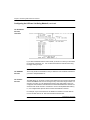
Configuring the Module with
Concept
4
At a Glance
Introduction
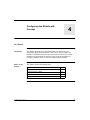
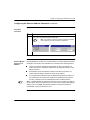
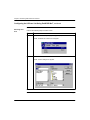
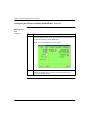
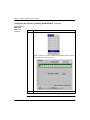
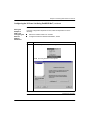
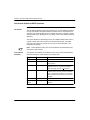
This chapter describes how to configure the NOE 771 module from your
programming panel using Concept 2.2 or later. This is used to configure the
module’s IP parameters using Concept. The module can function as a network
interface to the CPU without I/O services, as long as the IP parameters are
provided by a BOOTP server, or with the module’s default IP address.
What’s in this
Chapter
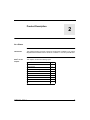
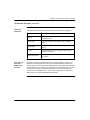
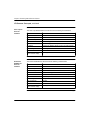
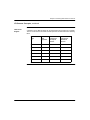
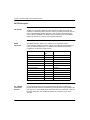
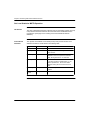
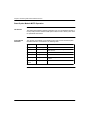
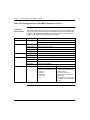
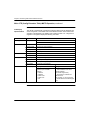
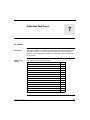
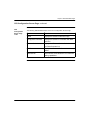
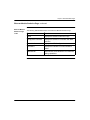
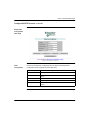
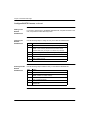
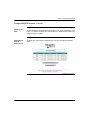
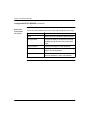
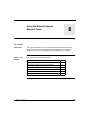
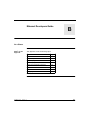
This chapter contains the following topics.
Topic
840 USE 116 00
Version 1.0
Page
Selecting your PLC
52
Setting the Number of NOEs
56
Accessing and Editing the I/O Map
59
Configuring the Ethernet Address Parameters
63
51