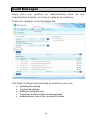
1
Configuring a user’s Monitored Words
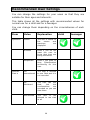
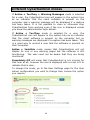
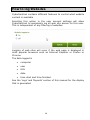
This tab is used to configure which libraries of words and phrases
will be used when scanning the screen for undesirable words or
phrases. It works on all non-picture applications.
The Word filter can analyse data that is being displayed and also
data that is being typed on the keyboard.
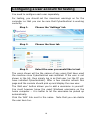
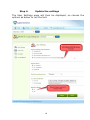
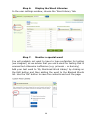
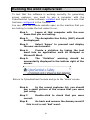
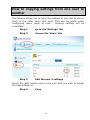
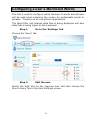
Step 1.
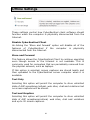
Go to the ‘Settings’ tab
Choose the ‘Users’ tab
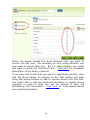
Step 2.
Edit the user
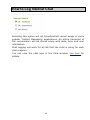
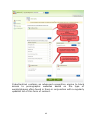
Select the ‘Edit’ link for the required user and then choose the
Word Library Tab in the User Settings screen.
31