1
Chapter 3. Installation
SVR-940
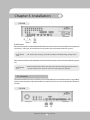
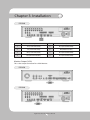
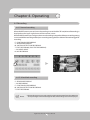
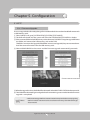
Audio input
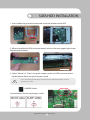
PleaseconnectanRCAaudiocabletotheAUDIOINconnector(suchascamerawithbuilt-inmicrophone
and others). (All types of microphone and speaker are compatible with the system.)
Notes
• For Audio input setting, set [Audio] to [ON] in the Recording setting menu
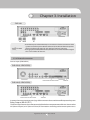
PleaseconnectanRCAaudiocabletotheAUDIOOUTPUTconnector(suchasmonitorwithbuilt-inspeakers).
Notes
• When playback with audio in split display mode is not working properly, turn the
display mode to Full screen to avoid an audio playback problem.
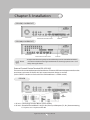
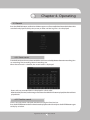
3.2.3 Monitor
ConnecttheVIDEOOUTterminalofthesystemandtheBNCterminalofthemonitor,usingtheBNC
cable, in order to display video data to the main monitor.There is also aVGA video output for the PC
monitor.
SVR-450
Digital Video Recorder 20 User’s Manual