1
the settings each time the range is
changed.
While in Range Rider mode, the Sea State
control can be used to adjust the sea
clutter for all ranges (see Sea State, starting
on page 96).
Automatic modes
This section does not apply to the 2kW
radar.
Fine tuning automatic settings
This section does not apply to the 2kW
radar.
The appearance settings should have been
adjusted during installation, but you may
wish to fine tune them as follows:
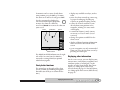
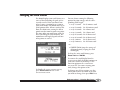
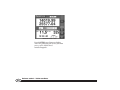
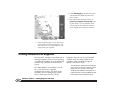
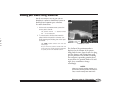
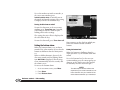
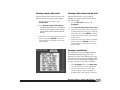
To set the appearance of the sea clutter or
gain controls for Auto1, Auto2 and Harbor
modes:
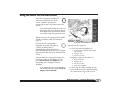
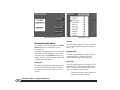
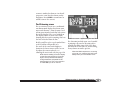
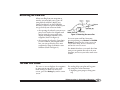
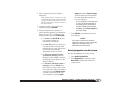
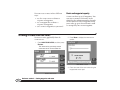
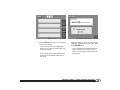
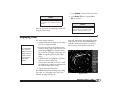
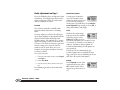
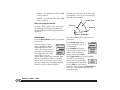
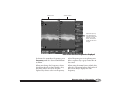
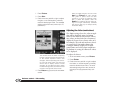
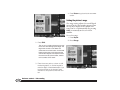
1. From the main radar page, press Page 2.
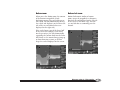
In automatic mode, the unit continuously
evaluates its settings and adjusts them as
necessary to obtain the best image. Gain
and clutter are evaluated separately in
various areas of the screen, and the
settings are optimized for each area.
Breaking waves often cause stronger
clutter echoes on one side of the vessel
than on the other, and automatic mode
can optimize the image for each area.
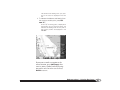
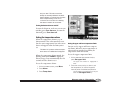
2. Press Mode if necessary until it reads
Auto 1, Auto 2, or Harbor.
Use the automatic settings to adjust the
desired appearance of the radar image to
your preference. The will radar attempt to
maintain this appearance over a variety of
conditions by monitoring the signals and
making adjustments as conditions change.
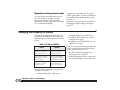
6. Repeat steps 4 and 5 for each range setting
You can store two sets of image appearance settings: one called Auto 1 and one
called Auto 2. Automatic settings are stored
individually for each range.
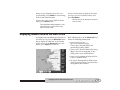
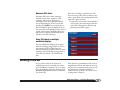
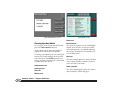
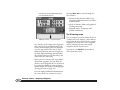
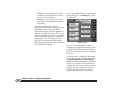
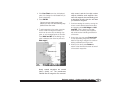
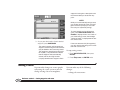
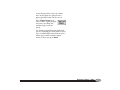
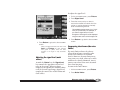
3. Set the Sea clutter or Gain to automatic if
necessary by pressing the key so that it
reads “Auto.”
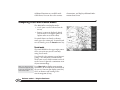
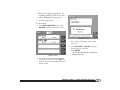
4. Use the keypad or cursor pad to enter a
new value to change the appearance.
5. If necessary, continue adjusting the image
until it looks the way you want it.
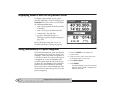
Manual settings
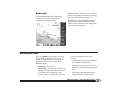
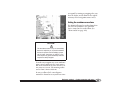
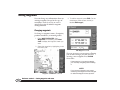
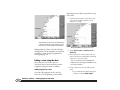
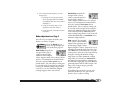
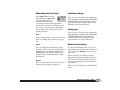
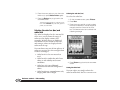
Even if the mode is set to automatic, any
gain or clutter setting can be overridden
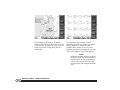
and set to manual. Each adjustment key is
labeled Manual or Auto. Simply press each
key to change its mode.
Reference section 5 — Radar
Reference Manual Revision D
Operating modes
93