1
6
6.1
Troubleshooting
Alarms
Various UPS operating parameter and conditions are monitored and will initiate an alarm or warning notification on the
UPS control panel if an error is detected. In the event that an alarm occurs you should:
1.
Silence the audible warning.
2.
Identify the alarm by inspecting the UPS module’s ‘event’ register – see Page 15.
3.
Interpret the cause of the alarm (see below) and seek assistance from your nearest service centre if the cause of the
alarm is beyond simple rectification.
6.2
LCD Control panel
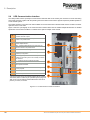
The LCD Control panel is described in paragraph 2.5.
If an alarm condition occurs, the red ALARM led will flash accompanied by an audible warning:
1.
Cancel the audible warning by pressing the RESET button. If the alarmed condition was transient the audible warning
will stop and the red warning light will extinguish. If the red warning remains ON it indicates that the cause of the alarm
is still present and must be investigated.
2.
Investigate the cause of the alarm by making a note of the EVENT LOG, which is accessed from the MAIN MENU – this
will present a list of time-stamped events that took place preceding the detected alarm.
3.
Access the MEASURMENTS screen from the MAIN MENU and note the value of the UPS input/output/battery parameters
etc.
4.
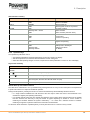
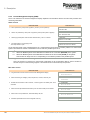
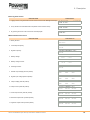
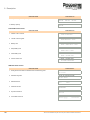
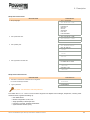
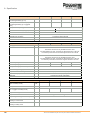
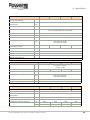
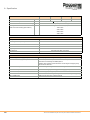
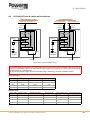
Refer to the troubleshooting table below for possible fault resolutions.
765-01-00 PW6000 S3 (60-120 kVA) User Manual Dated 20/12/2014
47