1
3
Section 9: Multiple Programs: Program Declarations
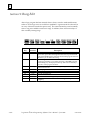
Beginning with Release 6 of Logicmaster and Release 6 of the Series 90-70 CPU, you
can have multiple standalone programs. Refer to chapter 2 of the Series 90 -70
Programmable Controller Reference Manual (GFK-0265) for relevant background
information about the multiple standalone programs feature.
t
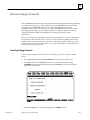
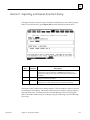
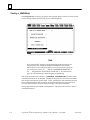
Inserting Multiple Programs and the Program Declarations Screen
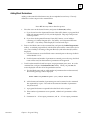
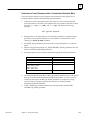
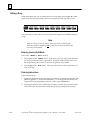
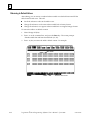
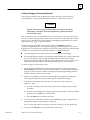
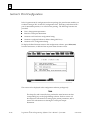
To use the Multiple Standalone Programs feature, follow these steps:
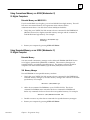
1.
Create the C program name using the C Programmer ’s Toolkit, Version 2.0 or later.
The Toolkit will prompt the user for a folder when the standalone program is
compiled. The C program will then be copied into the specified folder. You will then
need to insert the program on this screen as discussed in step 3 below. For
information about using the C Programmer ’s Toolkit, refer to the C Programmer’s
Toolkit User’s Manual (GFK-0646).
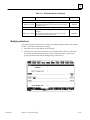
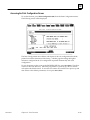
2.
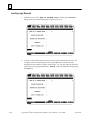
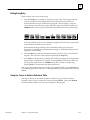
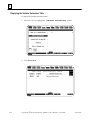
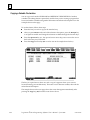
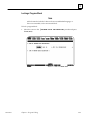
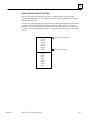
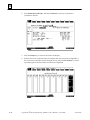
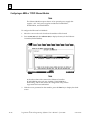
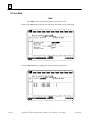
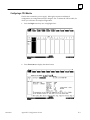
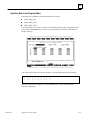
Press the PROGRM softkey (Shift-F1); then press F1 again for Program
Display/Edit functionality.
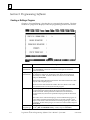
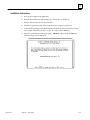
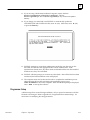
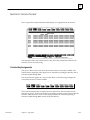
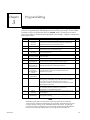
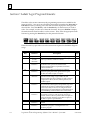
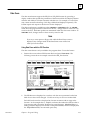
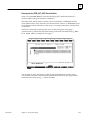
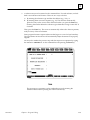
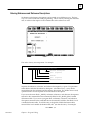
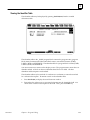
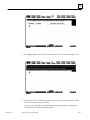
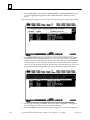
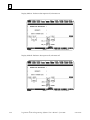
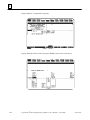
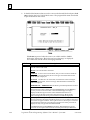
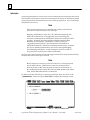
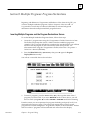
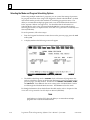
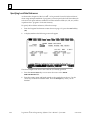
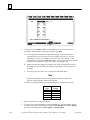
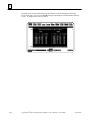
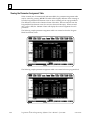
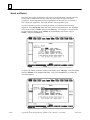
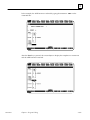
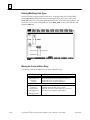
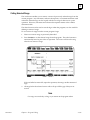
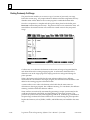
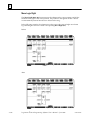
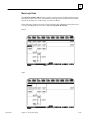
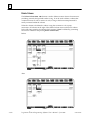
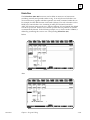
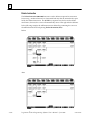
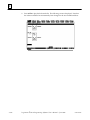
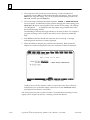
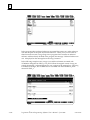
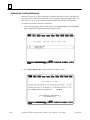
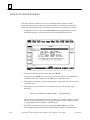
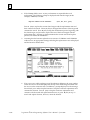
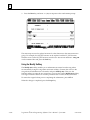
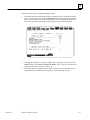
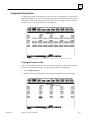
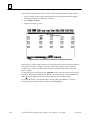
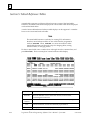
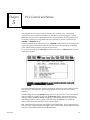
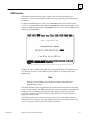
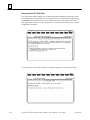
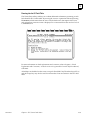
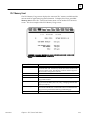
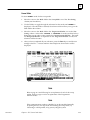
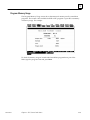
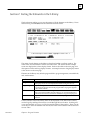
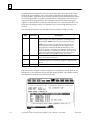
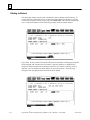
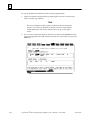
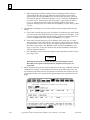
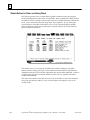
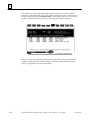
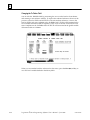
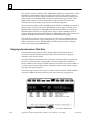
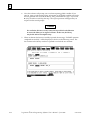
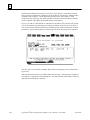
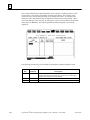
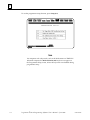
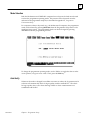
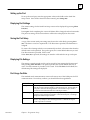
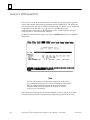
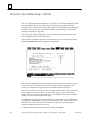
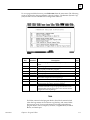
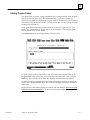
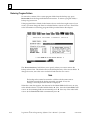
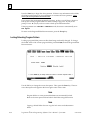
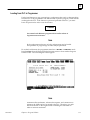
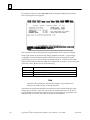
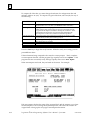
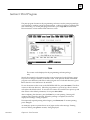
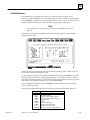
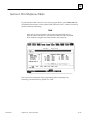
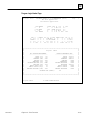
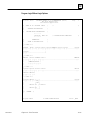
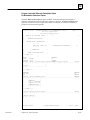
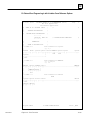
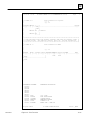
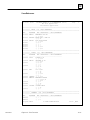
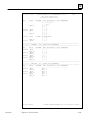
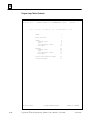
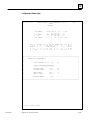
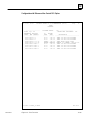
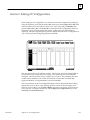
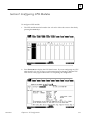
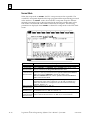
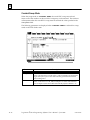
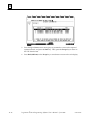
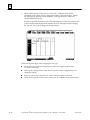
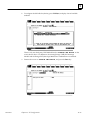
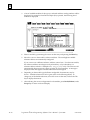
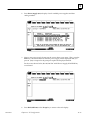
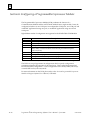
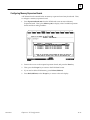
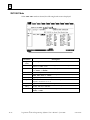
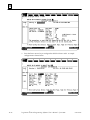
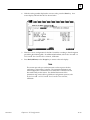
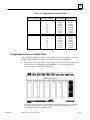
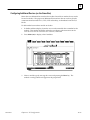
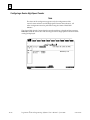
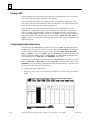
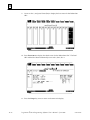
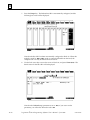
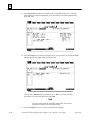
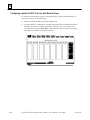
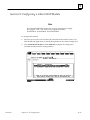
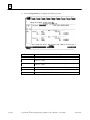
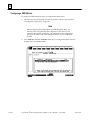
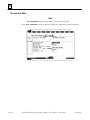
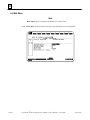
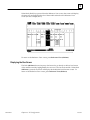
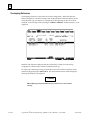
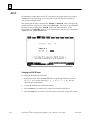
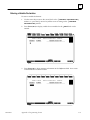
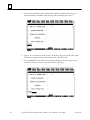
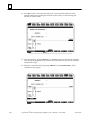
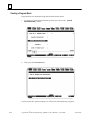
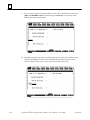
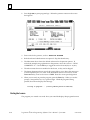
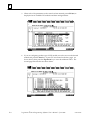
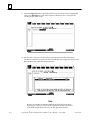
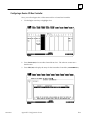
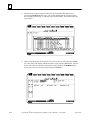
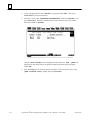
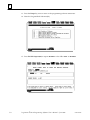
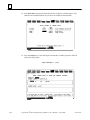
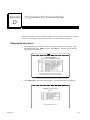
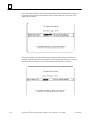
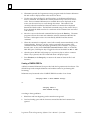
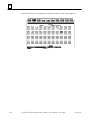
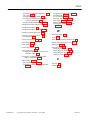
You will see a screen like the one shown below:
3.
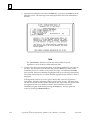
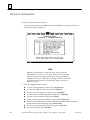
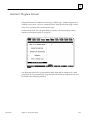
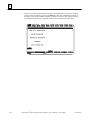
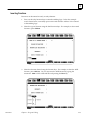
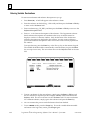
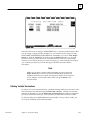
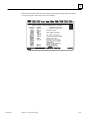
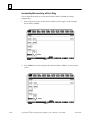
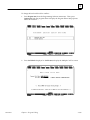
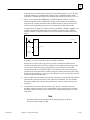
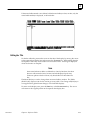
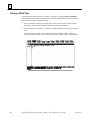
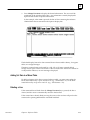
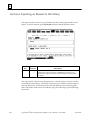
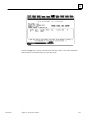
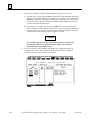
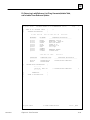
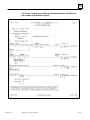
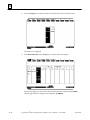
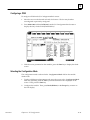
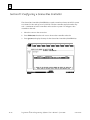
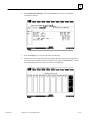
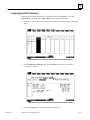
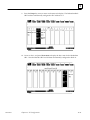
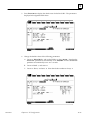
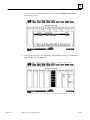
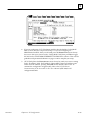
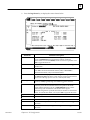
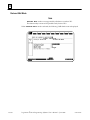
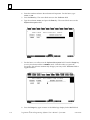
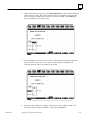
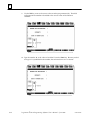
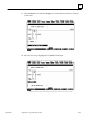
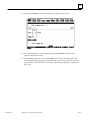
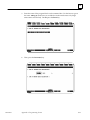
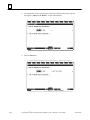
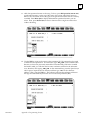
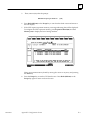
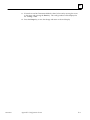
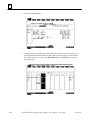
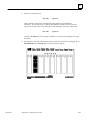
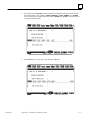
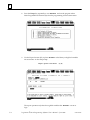
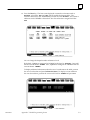
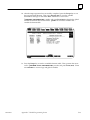
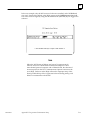
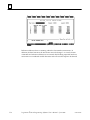
To insert C programs, press the insert softkey (F1); then type the name of the C
program you wish to add. If you are in MONITOR mode as shown above, you will
have to switch (using Alt-M) to either ONLINE or OFFLINE mode before inserting.
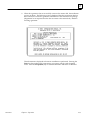
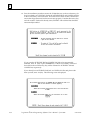
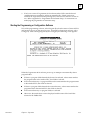
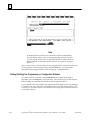
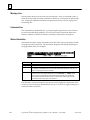
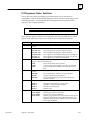
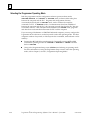
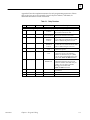
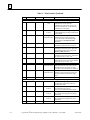
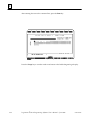
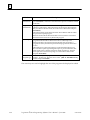
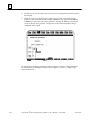
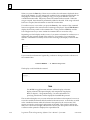
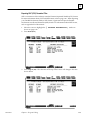
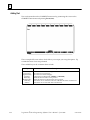
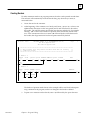
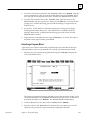
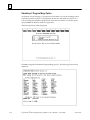
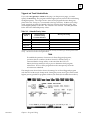
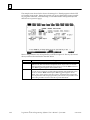
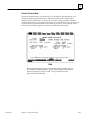
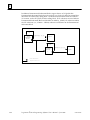
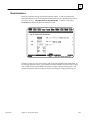
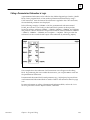
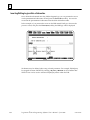
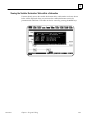
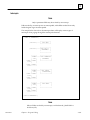
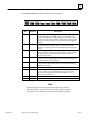
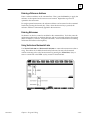
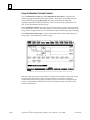
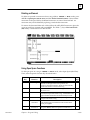
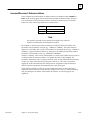
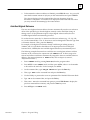
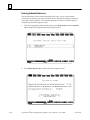
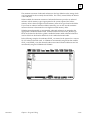
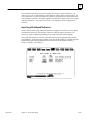
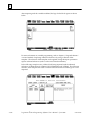
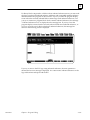
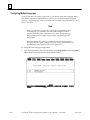
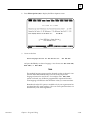
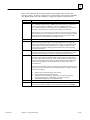
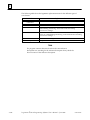
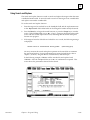
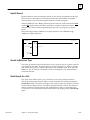
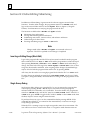
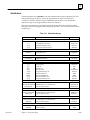
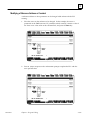
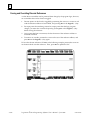
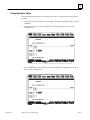
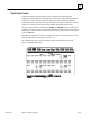
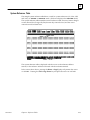
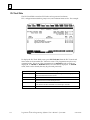
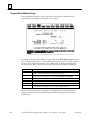
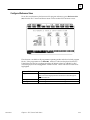
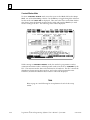
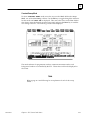
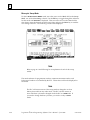
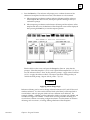
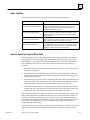
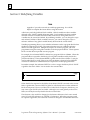
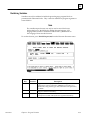
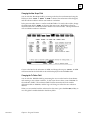
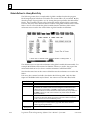
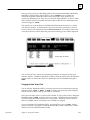
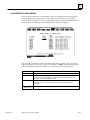
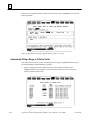
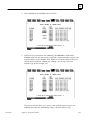
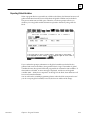
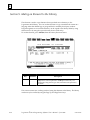
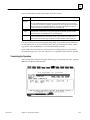
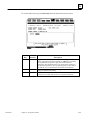
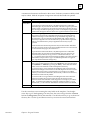
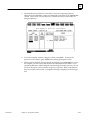
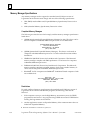
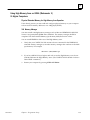
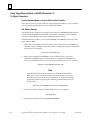
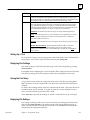
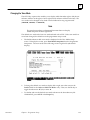
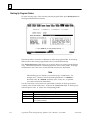
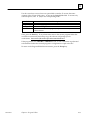
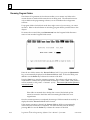
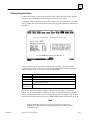
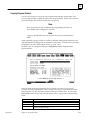
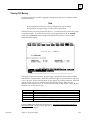
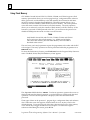
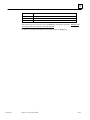
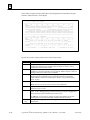
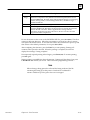
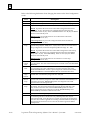
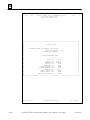
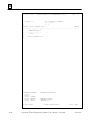
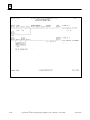
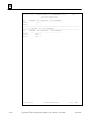
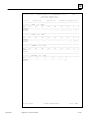
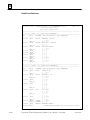
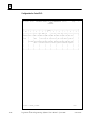
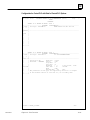
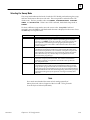
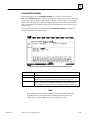
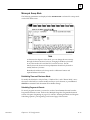
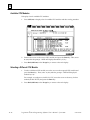
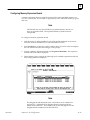
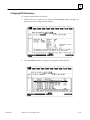
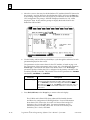
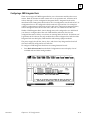
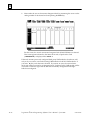
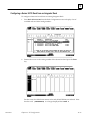
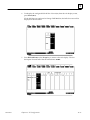
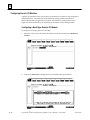
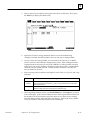
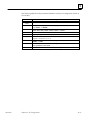
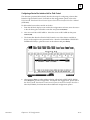
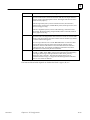
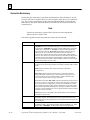
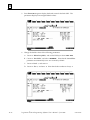
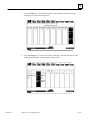
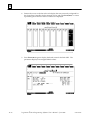
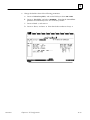
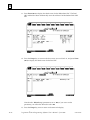
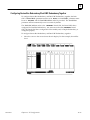
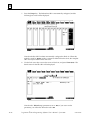
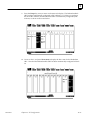
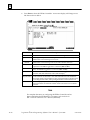
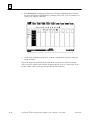
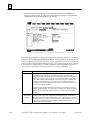
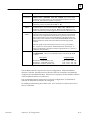
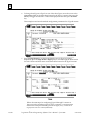
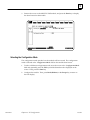
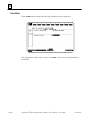
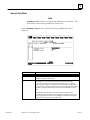
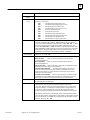
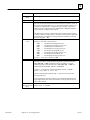
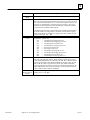
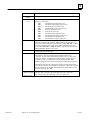
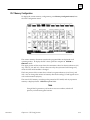
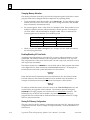
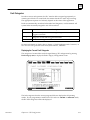
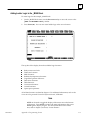
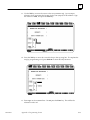
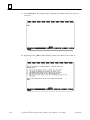
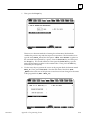
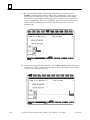
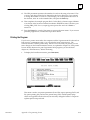
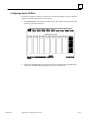
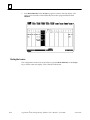
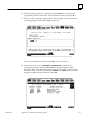
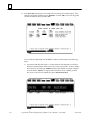
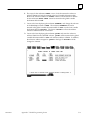
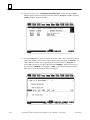
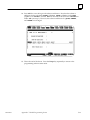
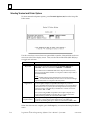
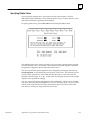
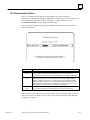
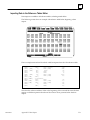
From this screen you can set priorities for program scheduling and specify local I/O as
discussed on the next two pages. This screen only appears after you have copied
programs into a folder through the C Programmer ’s Toolkit, as discussed above. Folders
that do not have C programs will be unaffected and will not have this display.
GFK-0263G
Chapter 3 Program Editing
3-75