1
in the specified double click time will be recognized as a double click
event.
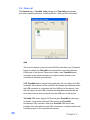
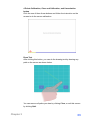
Mouse Emulation Mode
Change the emulation mode by pressing on this button.
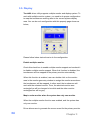
Normal Mode
Normal mode behaves mouse button down and mouse move. You can
select this mode to select object, and dragging the object.
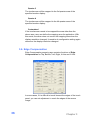
Click On Touch
With this Click On Touch mode, the driver emulates a mouse click
event when the touchscreen state was switched from un-touched state
to touched state. Then, the driver always generate mouse move event
and is tracking the touch position until the touchscreen state switched
to un-touch state.
Click On Release
With this Click On Release mode, the driver emulates a mouse click
event when the touchscreen state was switched from touched state to
un-touched state.
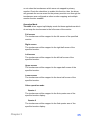
Click On Touch without moving cursor
With this mode, the driver behaves similar as Click On Touch mode.
The cursor does not move to the touch position except the first touch
point.
Click On Release without moving cursor
With this mode, the driver behaves similar as Click On Release mode.
The cursor does not move to the touch position except the lift-off point.
Chapter 3
31